

Your online shop.
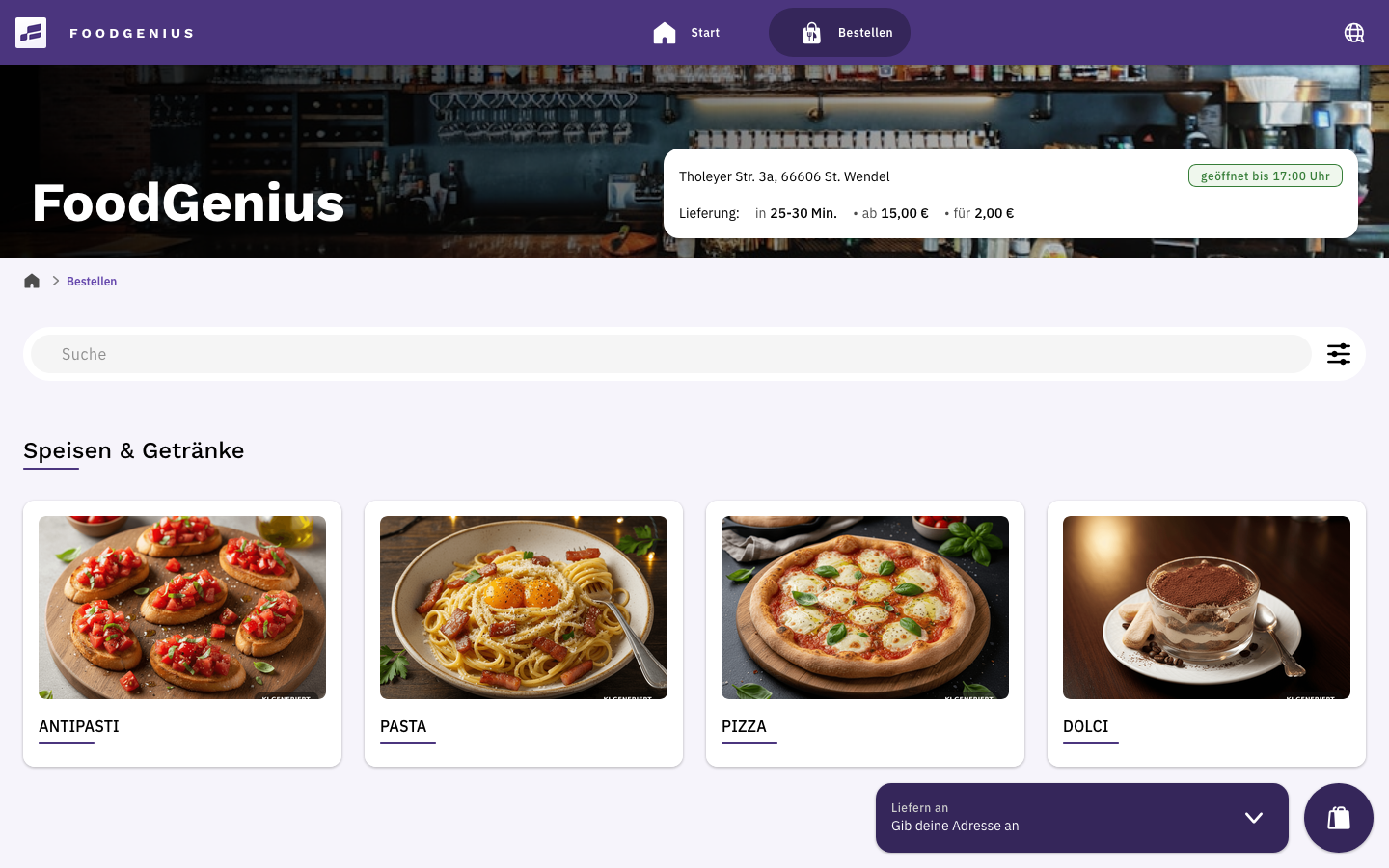
Your guests open your shop in their browser, explore your menu and order directly from you. On a smartphone, tablet or computer.
Online shop for your business
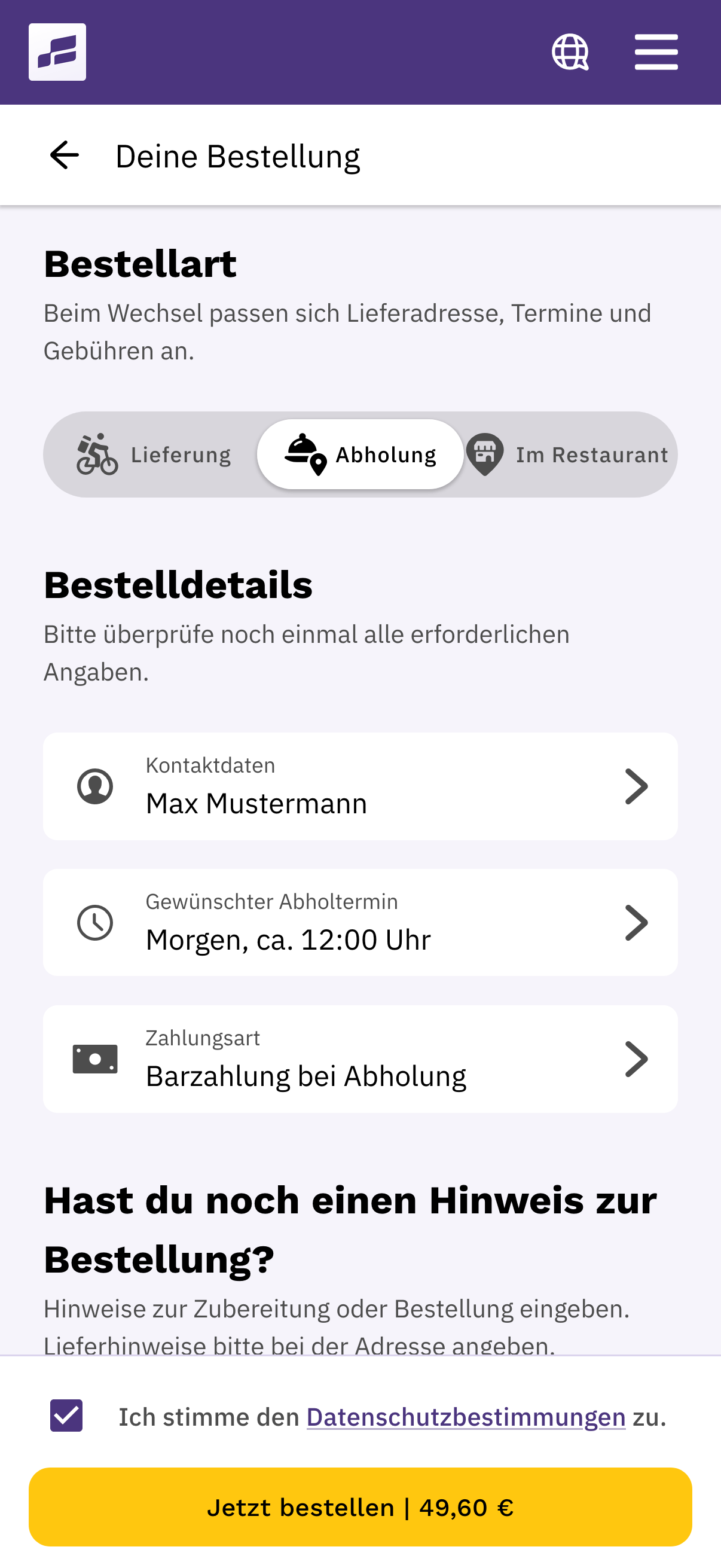
Your guests order for pickup or delivery through your online shop. Orders go straight to your POS and kitchen, automatically or after your approval.
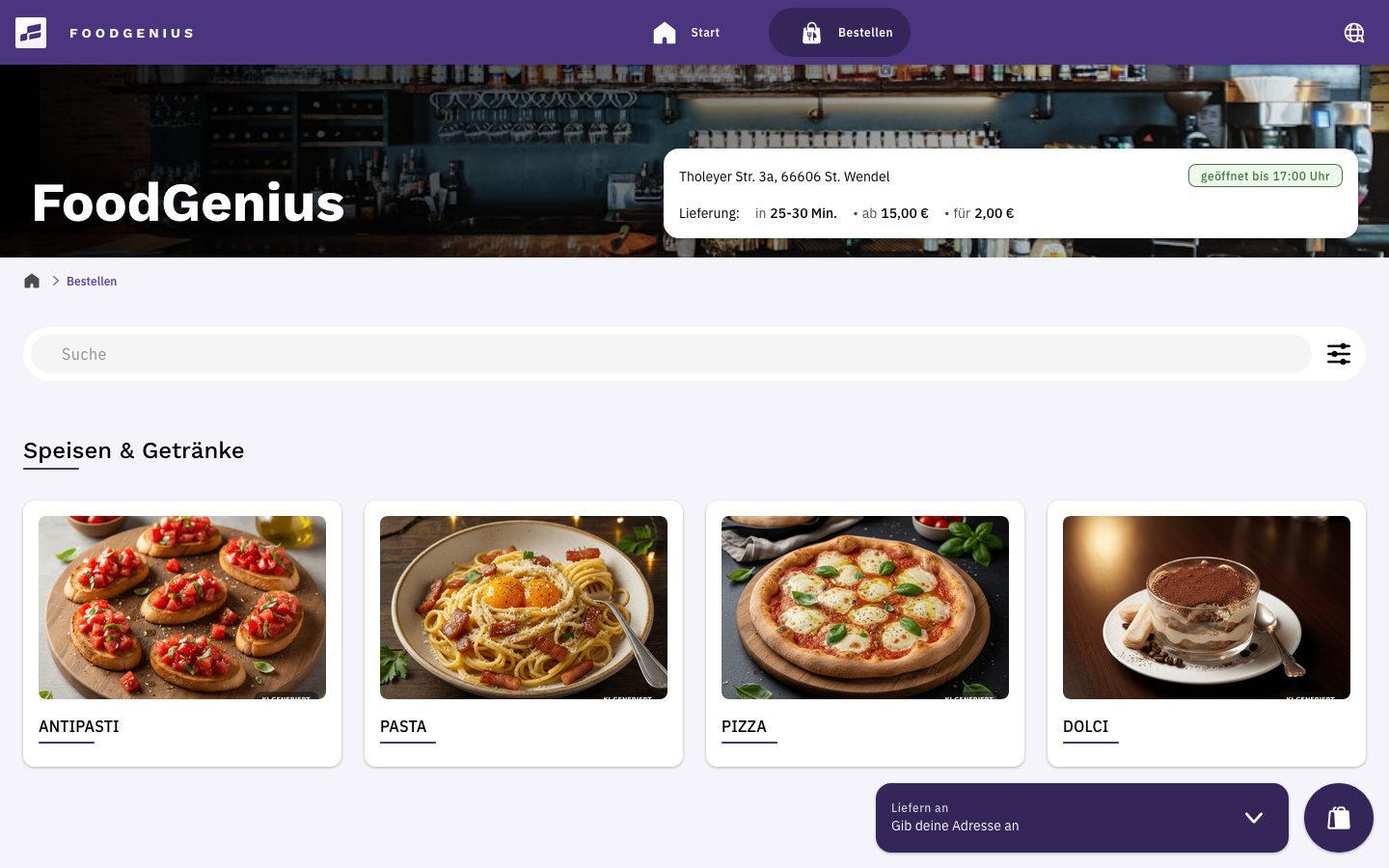
Online shop
View full size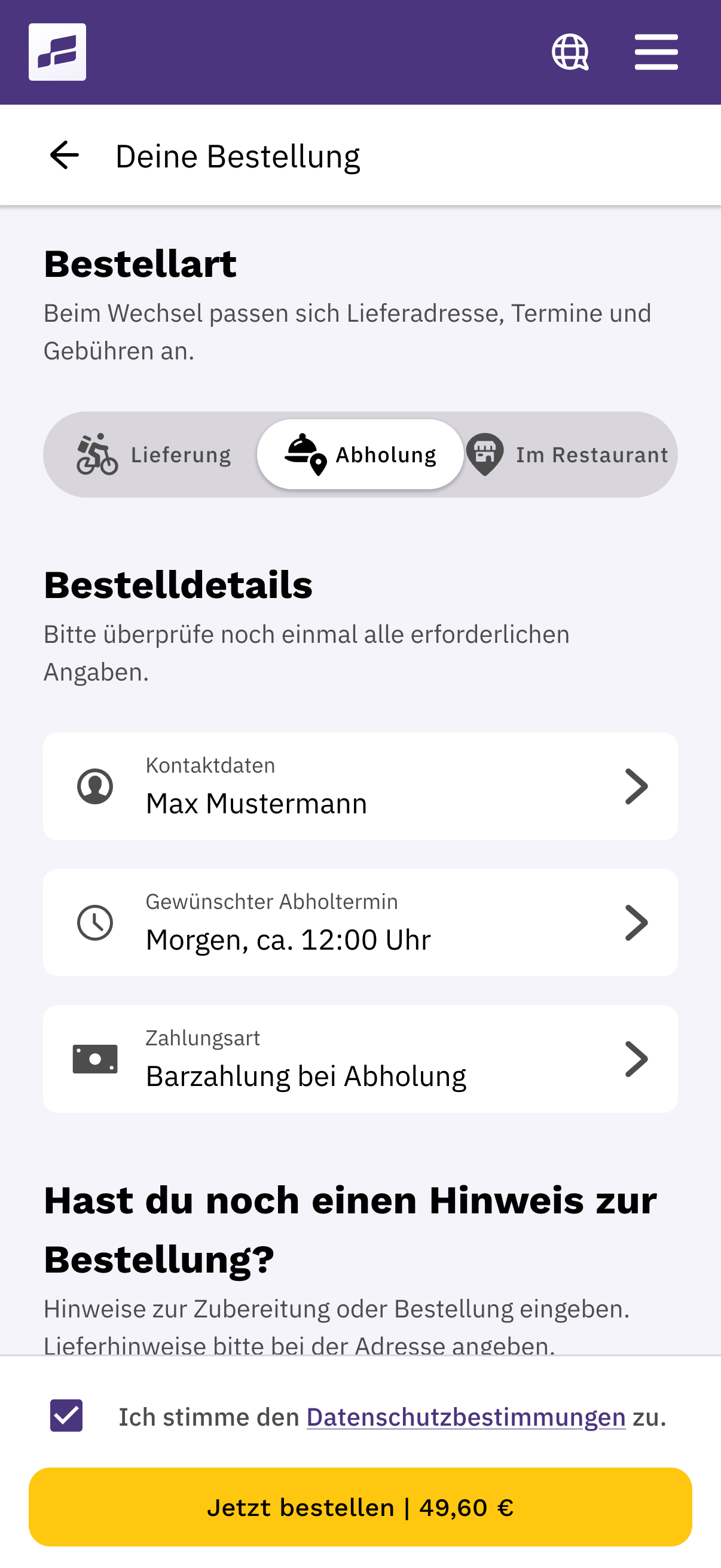
Checkout
View full sizeYour guests open your shop in their browser, explore your menu and order directly from you. On a smartphone, tablet or computer.
Your guests install the iOS or Android app from the Apple App Store or Google Play Store and order directly from you.
Both options are already included in Shop Starter.
The online order goes straight to your POS. You decide whether to accept it automatically or review and approve it first.
Your kitchen receives the order, including any special requests, on the kitchen display or as a printed kitchen ticket.
Your team gets the order ready for pickup or hands it over to the driver. Order and payment details stay together in your POS.
Set pickup and delivery time slots and allow extra preparation time. If needed, pause your shop and display your own message.
Your guests can pay by credit card, PayPal, Apple Pay or Google Pay. Payment fees apply.
Choose a colour scheme that suits your shop.
Your guests choose their language directly in your shop.
Schedule when items, categories and pages appear or are hidden. Set discounts based on the time or ordering channel.
Your guests can leave a tip when they pay. After delivery, an automatic email invites them to leave a review.
The online shop is already included in Starter. Pro adds vouchers and a reservation link to your shop. On the pricing page, you can compare Starter and Pro.
With FoodGenius, you set delivery areas and fees and organise your drivers.
FoodGenius takes phone orders automatically with AI, in multiple languages. You get 100 trial minutes to start. You can add more minutes whenever you need them.
Orders from connected delivery platforms also go straight to your FoodGenius POS. You handle them alongside orders from your shop, without having to type them in again.
Already available
Lieferando orders are transferred automatically and processed just like your own orders. Custom integration fees may apply.
Before you get started
Yes. You can start with pickup orders. If you want to handle your own deliveries, use FoodGenius delivery management.
Up to 14 days in advance. You set the available time slots.
Payment fees are charged in addition to the plan price. Hardware, custom integrations and extra phone minutes are charged separately.
You choose your plan: Starter or Pro. If you book a plan during the trial, you keep all 30 trial days and billing only starts afterwards. Without a plan, your features will be locked, and nothing is booked automatically. With a plan, you keep working without interruption. So you can already use the trial in your day-to-day business.
Start with your email address and try FoodGenius for 30 days with all available features. In the next step, you can upload your menu directly to FoodGenius.