
Plan your data transfer with us.
Talk to us about the items, prices and other data you’d like to bring across. We’ll review your existing files and agree with you on how to import them.
Switching POS systems in an established business
Try FoodGenius for 30 days and prepare your switch step by step. Our team helps you import your data and get set up.
Talk to us about the items, prices and other data you’d like to bring across. We’ll review your existing files and agree with you on how to import them.
Together, we’ll check which devices you can keep using and help you connect them. You buy any new devices you need separately.
Check the imported details and try out the workflows with your team. Then choose the right time to switch.
Get to know FoodGenius through the tasks you do every day: taking orders, adding special requests and accepting payments. Practise with your own menu and help your team get familiar with FoodGenius step by step.
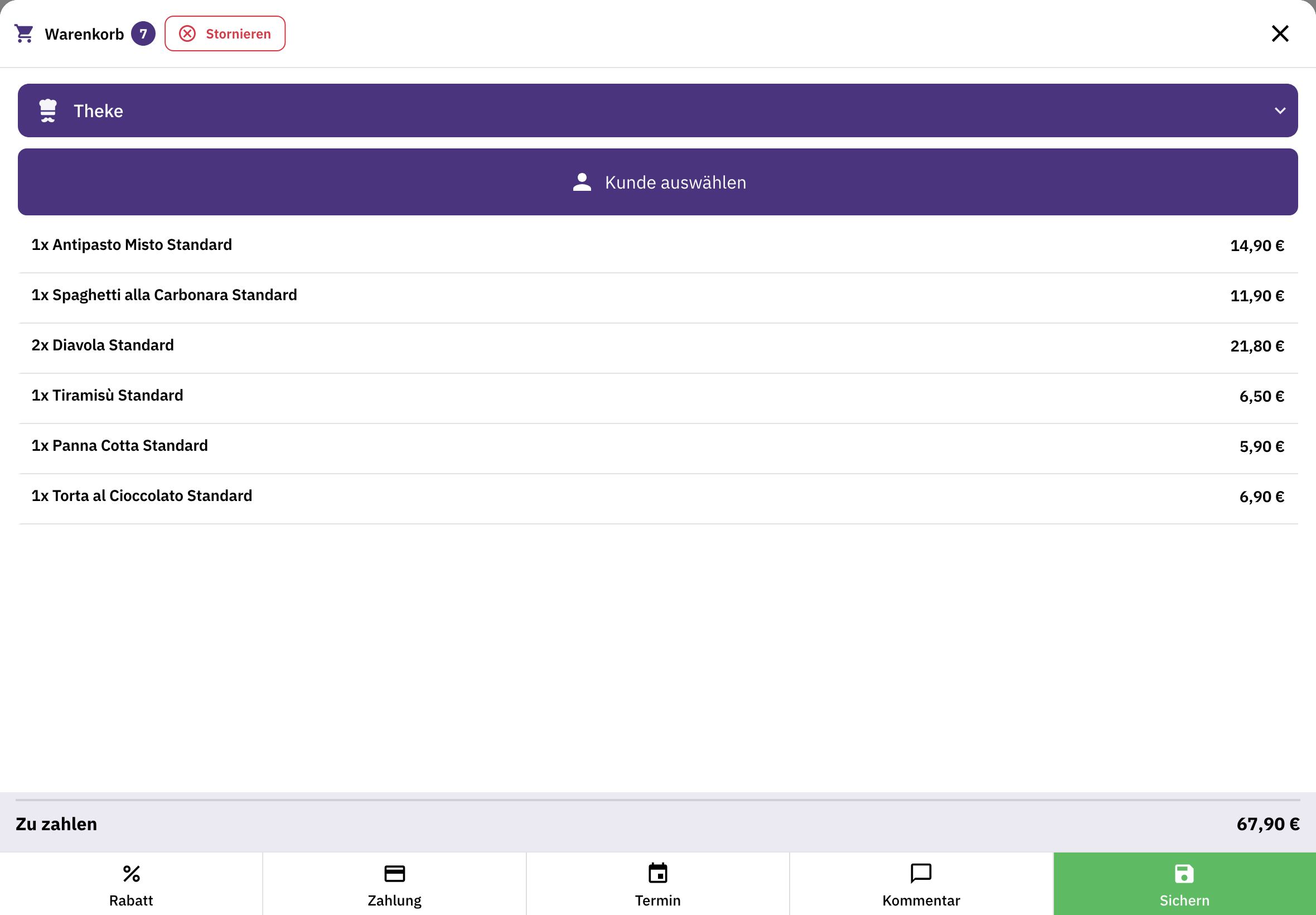
Manage items, orders and payments in one place. Connect your receipt printers, keep your cash book and complete your end-of-day closing in FoodGenius.
Organise tables and areas, take orders on a mobile device and accept payment right where your guests are. Create your own visual table plan with Restaurant & Service Pro and above.
Let your guests order directly from you for pickup or delivery. If you deliver with your own drivers, add the Delivery module.
Support with data transfer and setup
Our team helps you import your data and connect your devices. Data import and this support are included. We’re here for you around the clock during your 30-day trial.
Before you switch
Our AI can import practically any existing data that FoodGenius can process and use. Our team supports you along the way. You can upload your menu directly to FoodGenius. Check the imported details and fill in anything that’s missing.
Yes, if they’re compatible with FoodGenius. Our team helps you check and connect them. You buy any new devices you need separately; they aren’t included in the software price.
That depends on your data, devices and workflows. Once everything is set up, try out the key tasks with your team. Then choose the right time to switch.
No. Your existing system stays as it is. You’ll receive an email with your personal login link. Your 30-day trial only starts when you first log in to FoodGenius.
No. You have 30 days to explore all available modules and features. Planned features aren’t included. Decide which modules you want to use afterwards, directly in FoodGenius.
POS Starter includes one POS station, Pro up to three and Genius an unlimited number. These are software licences; you buy the devices separately.
Subscribe to the modules you want directly in FoodGenius. Without a subscription, from day 31 you can only access the options for subscribing to modules. No subscriptions start automatically. You’ll find software prices and additional costs, such as hardware or payment fees, on the pricing page.
Data import and help connecting your devices are included. Our support team is available around the clock during your 30-day trial. After that, the support terms of your chosen POS plan apply.
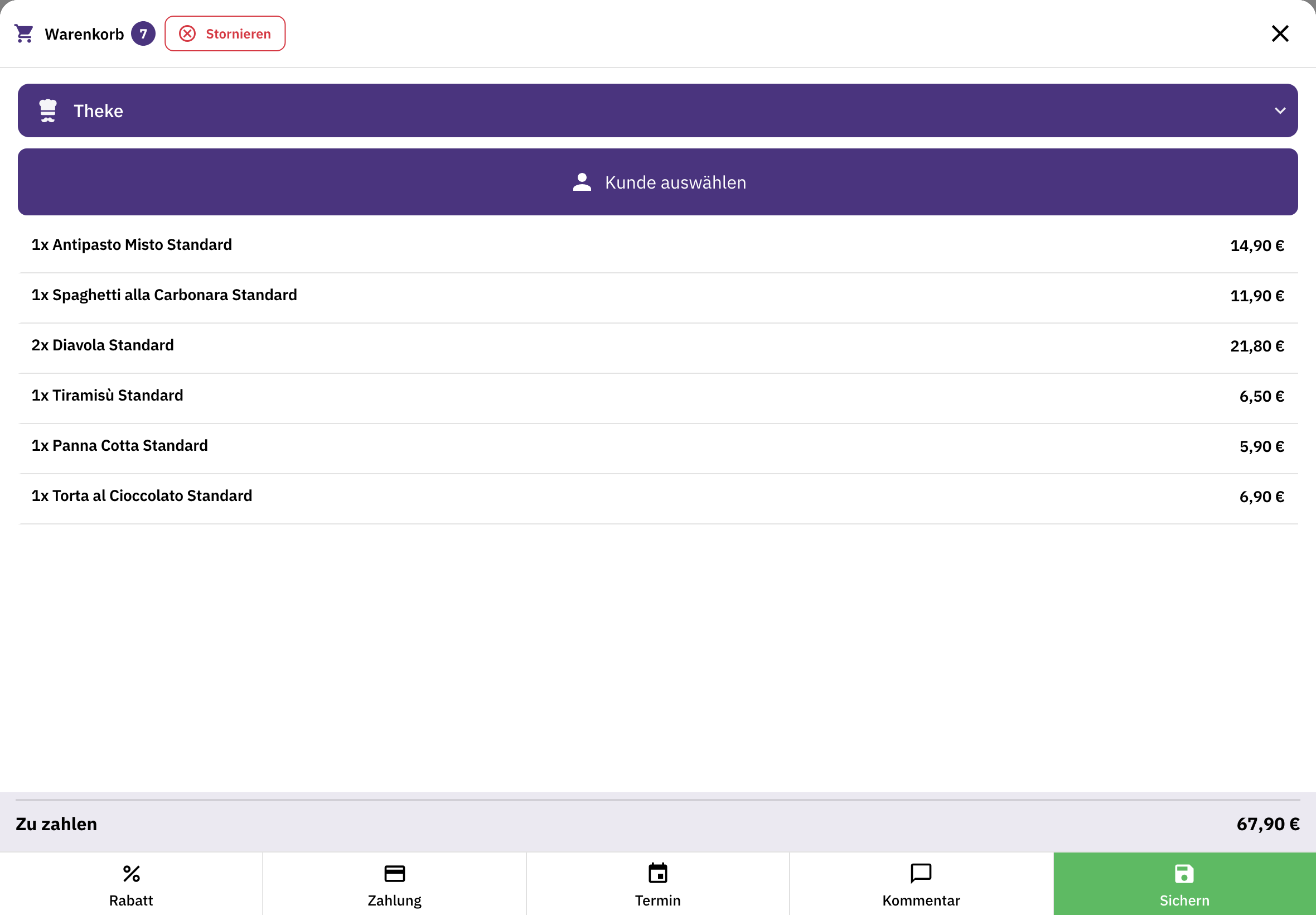
Try FoodGenius for 30 days with your own menu. All you need to get started is your email address.