Keep track of your tables.
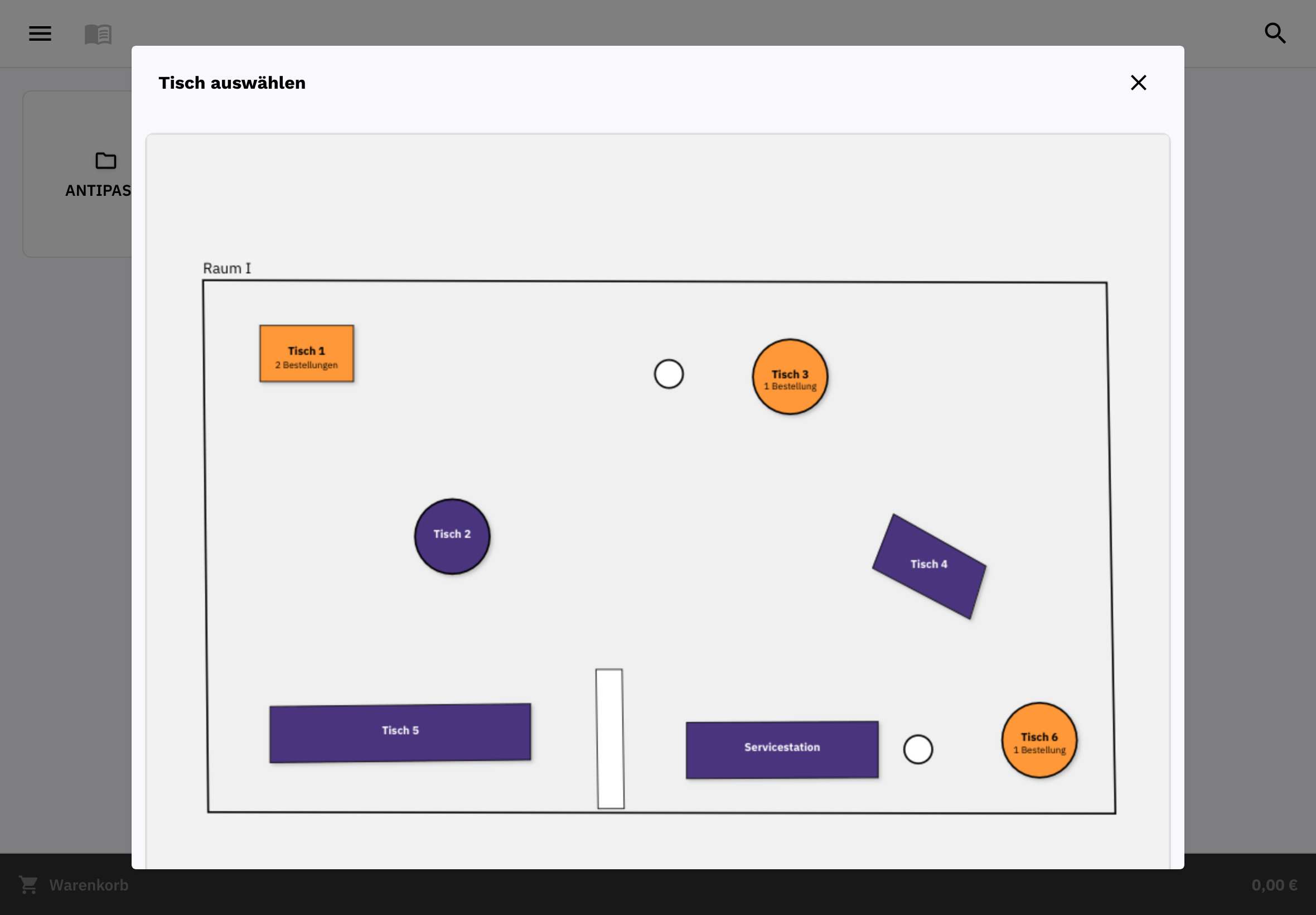
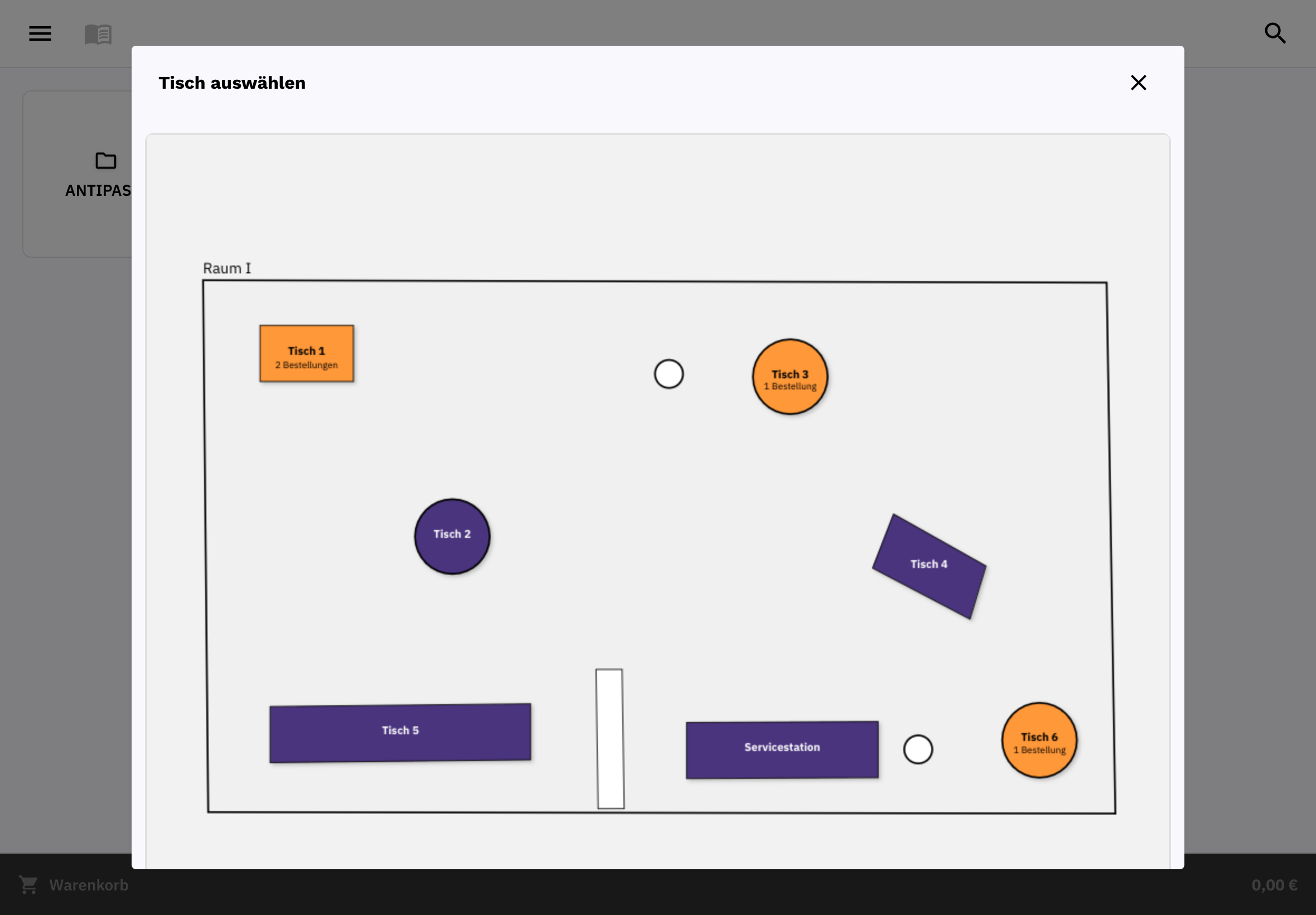
Assign orders to your tables and areas. With the visual table plan available with Restaurant Pro and above, you can also map out your dining area and terrace.
POS system & software for restaurants
You’re there for your guests. FoodGenius connects table service, kitchen and POS, keeping your orders, payments and sales together.
Assign orders to your tables and areas. With the visual table plan available with Restaurant Pro and above, you can also map out your dining area and terrace.
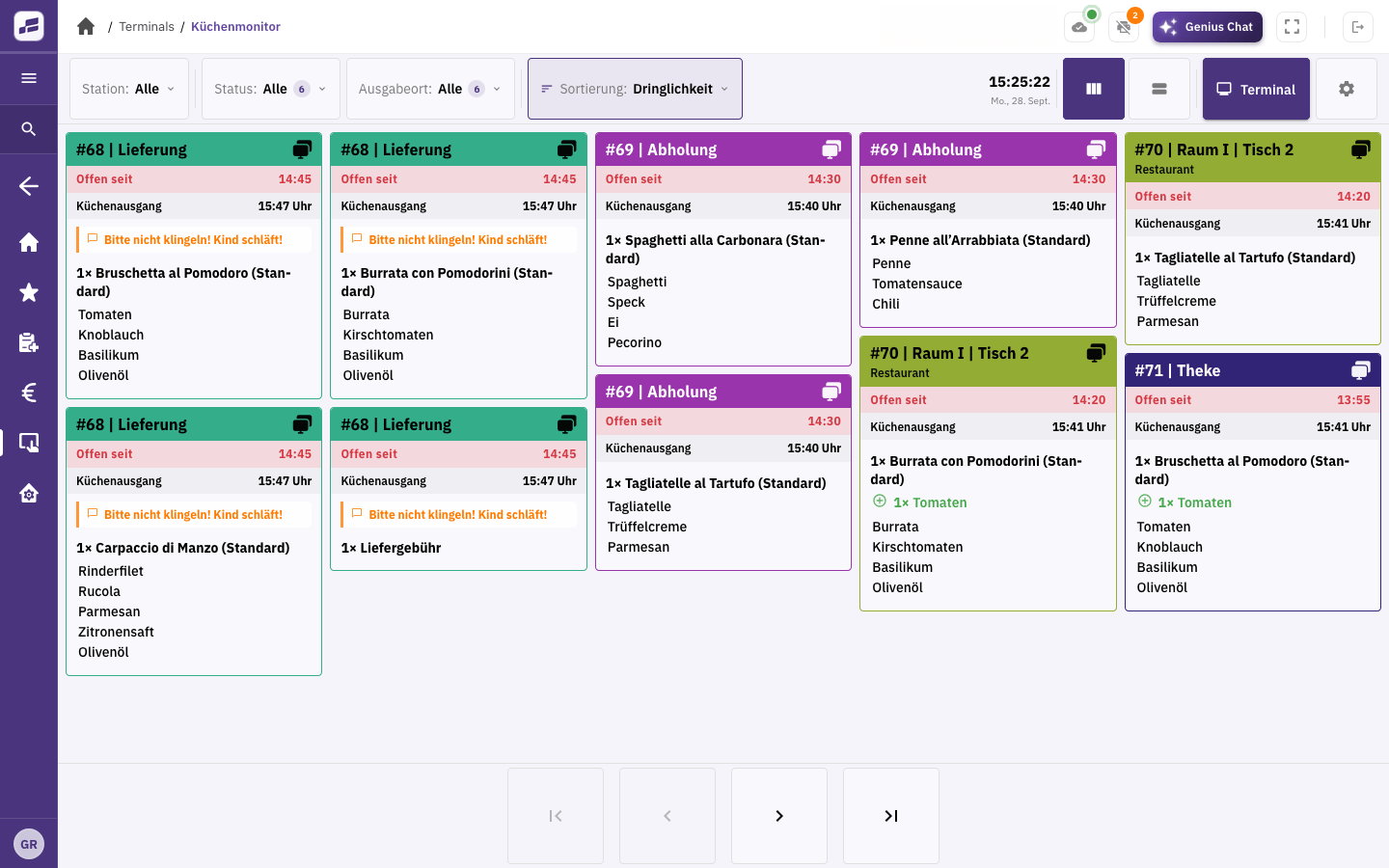
Take orders for food and drinks, along with special requests, directly at the table. Add further items to the same order.
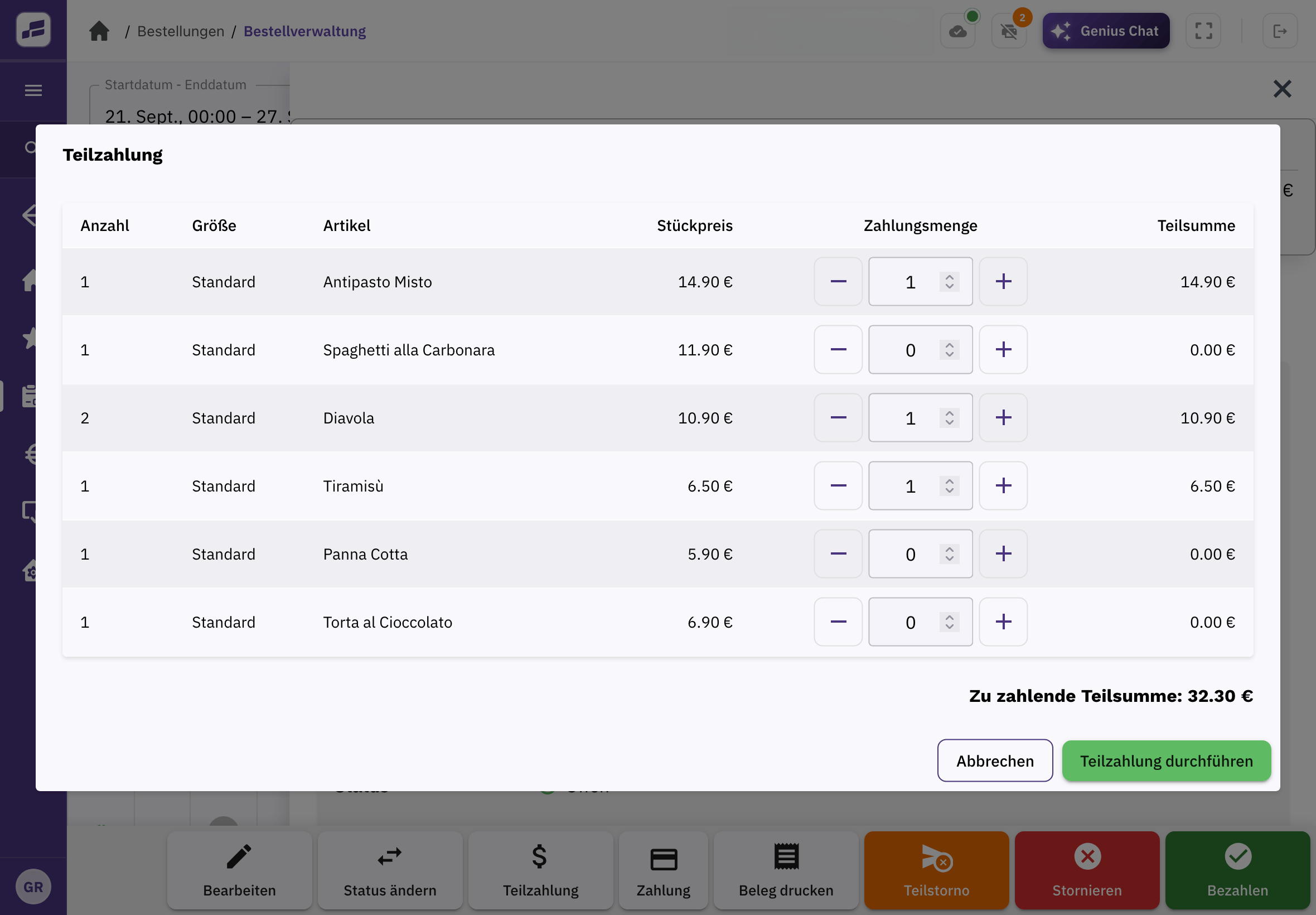
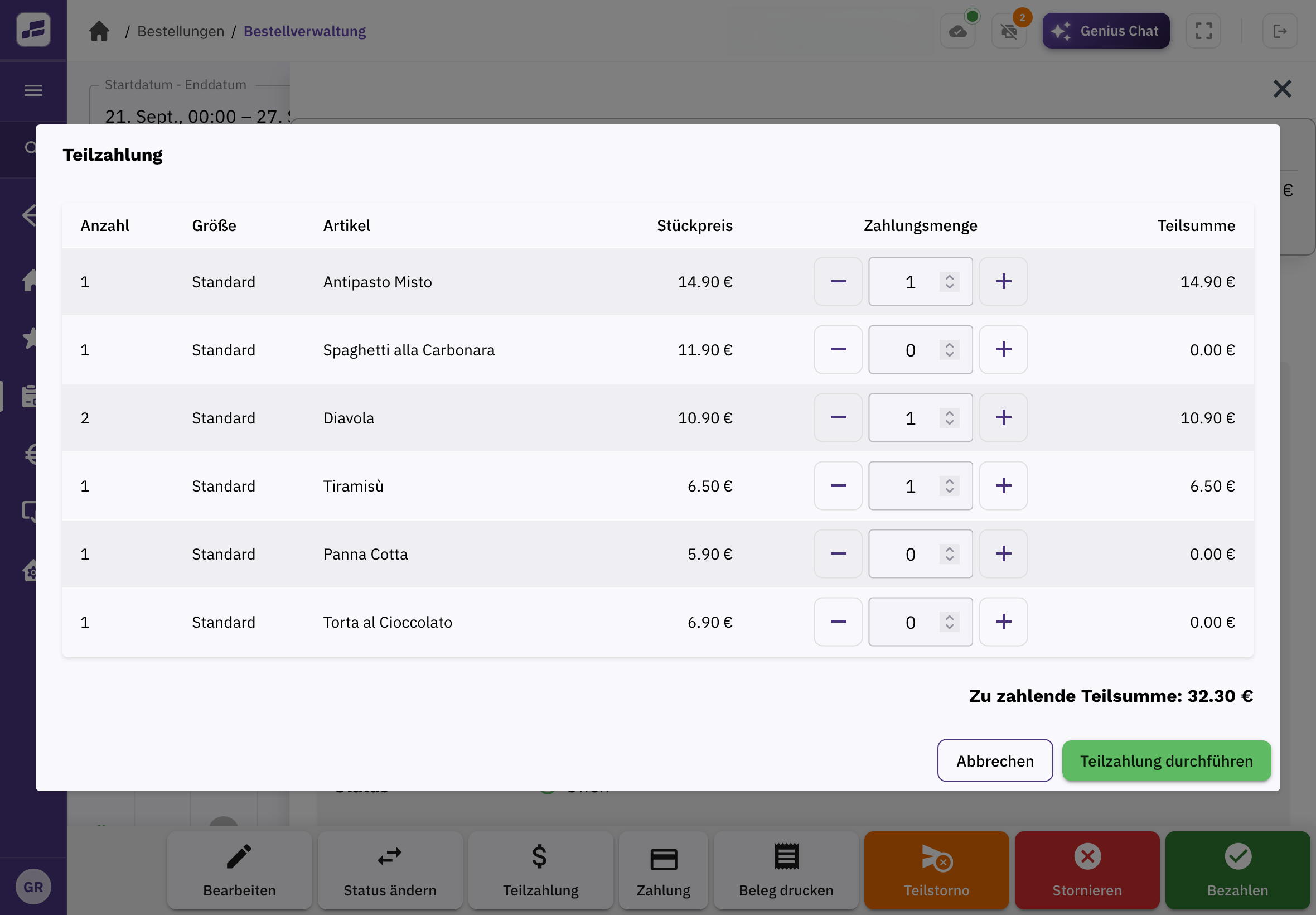
Open the order at the table and let guests pay together or separately. You can select individual items or part of the bill.
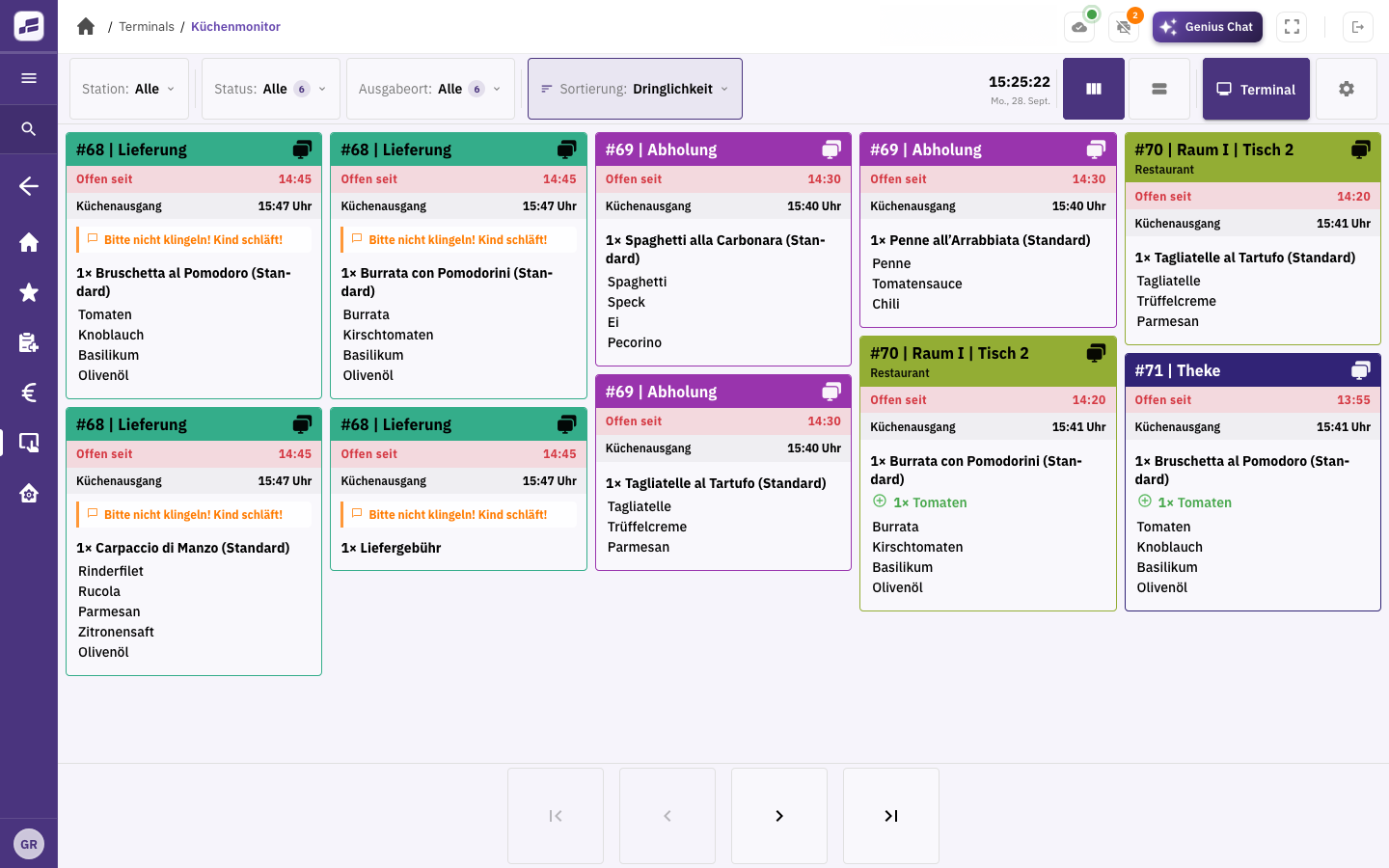
Orders and special requests go straight from the table to the kitchen display or a printed kitchen ticket. This gives your kitchen the same details as your service team.
Items, orders and payments in one place. Plus staff accounts, a cash book, end-of-day closing and connections to your receipt printers.
Organise tables and areas, take orders on a mobile device and accept payment right where your guests are. Choose the features that fit your business.
Let your guests order online too, for pickup or delivery. Add the Delivery module to organise your own drivers.
Try it in your restaurant
Upload your menu directly to FoodGenius. The AI extracts all available information, from dishes and prices to opening hours. You check the details, fill in anything that’s missing and then manage your menu in one place.
Don’t have a finished menu yet? Add your items one by one.
Before you get started
All available modules and features with your own restaurant. Our support team is here for you around the clock during the trial. Planned features aren’t included.
Yes, if they’re compatible with FoodGenius. We’ll help you check and connect them. You buy any new devices separately if you need them.
Yes. The number of POS stations depends on your POS plan. To add more stations, switch to a higher plan. Devices are available separately.
Reservation features are planned and aren’t available yet.
That depends on your modules and plans. Compare features and costs on the pricing page. Hardware, payment fees, usage charges and custom integration costs may be extra. Subscribe directly in FoodGenius.
After the trial, you can use the modules you’ve subscribed to. Without a subscription, the features are disabled, but you can still subscribe in the “Modules” section. Trying a module doesn’t automatically start a subscription.
Try FoodGenius with your team, from table service to end-of-day closing. All you need to get started is your email address.