POS system & software for opening or reopening your business.

Your dream gets opening hours. You get FoodGenius.

Set up your POS, add your menu and choose the modules that fit your concept. Get your business ready to welcome its first guest.

The Il Giardino team plans its restaurant layout using the floor plan in FoodGenius. AI-generated restaurant scene. Il Giardino is a fictional example restaurant. AI-generated restaurant scene. Il Giardino is a fictional example restaurant.

Step by step. Ready for your guests.

Get your menu ready.

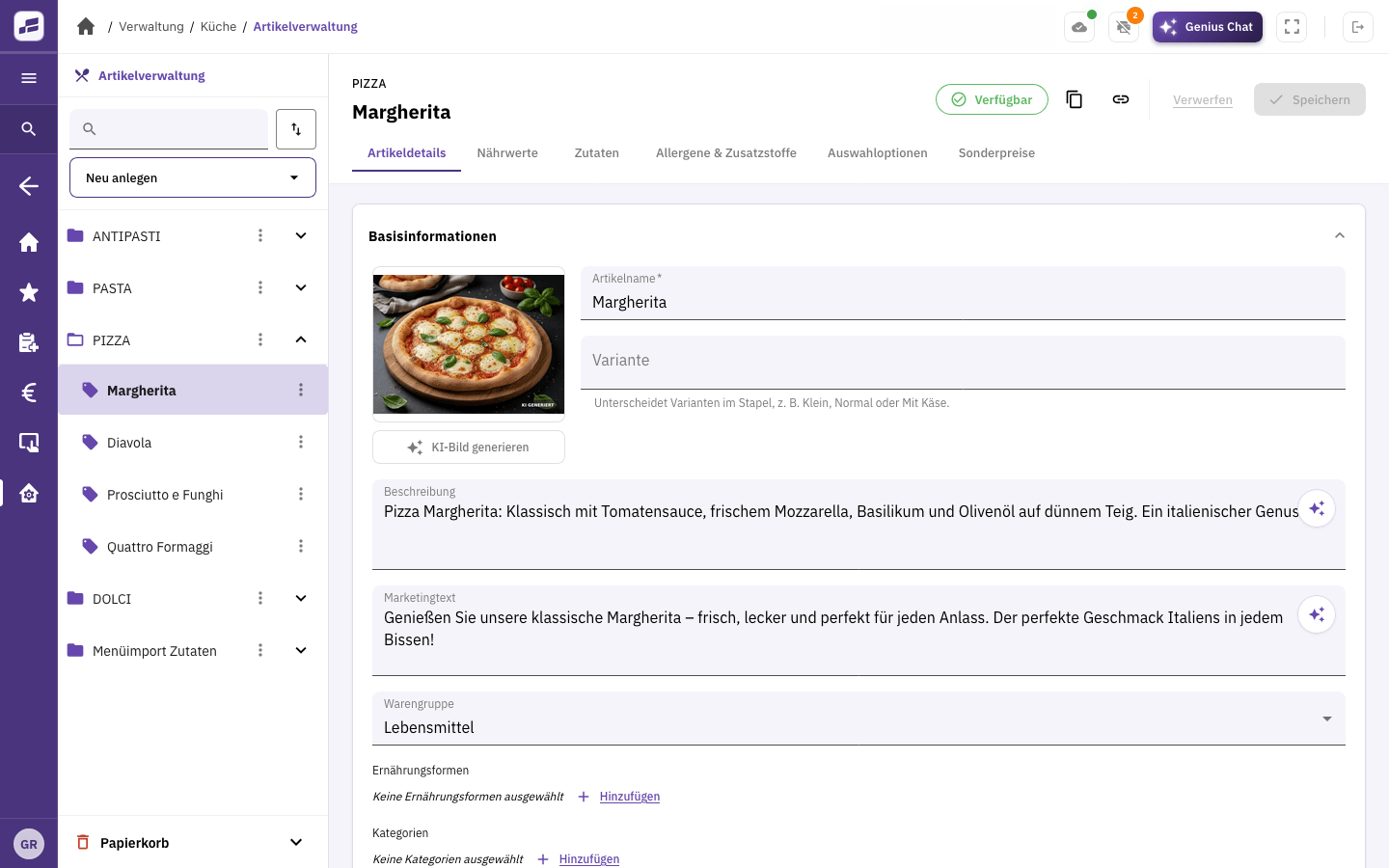
Import your menu into FoodGenius or develop your first menu with help from AI. Check the dishes, prices and other details, and fill in anything that’s missing.

Run through your daily tasks.

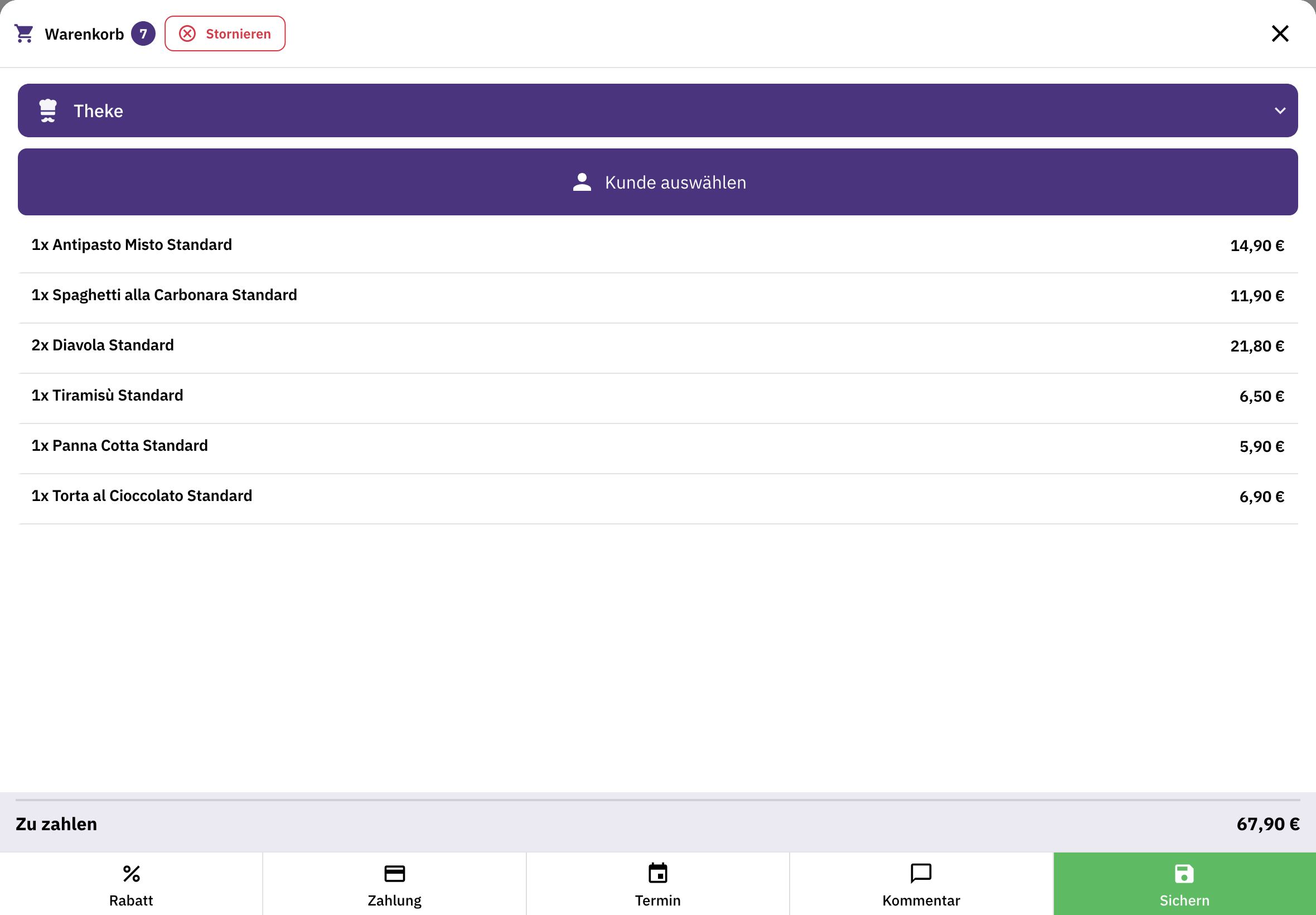
Taking orders, sending them to the kitchen and settling the bill: practise the steps with your team so everyone knows what to do when you open.

Get ready to open.

Check your devices and familiarise your team with FoodGenius. Choose the modules you want to use after the trial.

Modules that fit your concept.

Your POS as the foundation.

Manage items, orders and payments in one place. Plus a cash book, end-of-day closing and connections to your receipt printers.

Table service with Restaurant & Service.

If you offer table service, use this module to organise tables and areas, take orders on a mobile device and accept payment at the table. Create your own visual table plan with Restaurant Pro and above.

Online orders with Online Shop & Guest App.

Your guests order directly from you for pickup or delivery. Add the Delivery module to organise your own drivers.

Hardware and support

Your equipment. The right fit from the start.

A tablet at the counter, a smartphone for table service or a printer in the kitchen: we help you choose the right equipment for your business.

You can keep using suitable devices you already own once their connection has been checked. You buy new devices separately. Our support team helps you connect them.

Support to get you started
A restaurant manager checks information in FoodGenius on a computer and takes notes. AI-generated restaurant scene. Il Giardino is a fictional example restaurant. AI-generated restaurant scene. Il Giardino is a fictional example restaurant.

Before you open

Good to know.

Can I get started before my menu is ready?

Yes. All you need to get started is your email address; you don’t even need to have chosen a name for your restaurant yet. Then create your menu in FoodGenius, with help from AI if needed. You check the suggestions and fill in anything that’s missing.

Do I need to choose modules before starting the trial?

No. Get to know all available modules and features during the 30-day trial. Planned features aren’t included. Subscribe to the modules that suit you later, directly in FoodGenius.

How long before opening should I get started?

Choose a time when you can try out devices and workflows with your team. If your opening is still some way off, we’ll agree on the right start date together. Your 30 days don’t begin when you enter your email address.

Is hardware included in the price?

No. Your POS plan covers the software. Buy devices separately or use compatible devices you already own. POS Starter includes one POS station; choose a higher plan for more stations.

Who can help me get started?

Our team helps you import your data and connect your devices. Support is available around the clock during your 30-day trial. After that, the support you receive depends on your plan.

What happens after the 30-day trial?

After the trial, you can use the modules you’ve subscribed to. Without a subscription, the features are disabled, but you can still subscribe in the “Modules” section. Trying a module doesn’t automatically start a subscription.

Start with your idea. We'll help you get going.

Try FoodGenius for 30 days with your own menu. All you need to get started is your email address.