Get your menu ready.
Import your menu into FoodGenius or develop your first menu with help from AI. Check the dishes, prices and other details, and fill in anything that’s missing.
POS system & software for opening or reopening your business.
Set up your POS, add your menu and try out your workflows with your team. Get your business ready to welcome its first guest.
Import your menu into FoodGenius or develop your first menu with help from AI. Check the dishes, prices and other details, and fill in anything that’s missing.
Taking orders, sending them to the kitchen and settling the bill: practise the steps with your team so everyone knows what to do when you open.
Check your devices and familiarise your team with FoodGenius. Then choose the plan you’ll continue with after the trial.
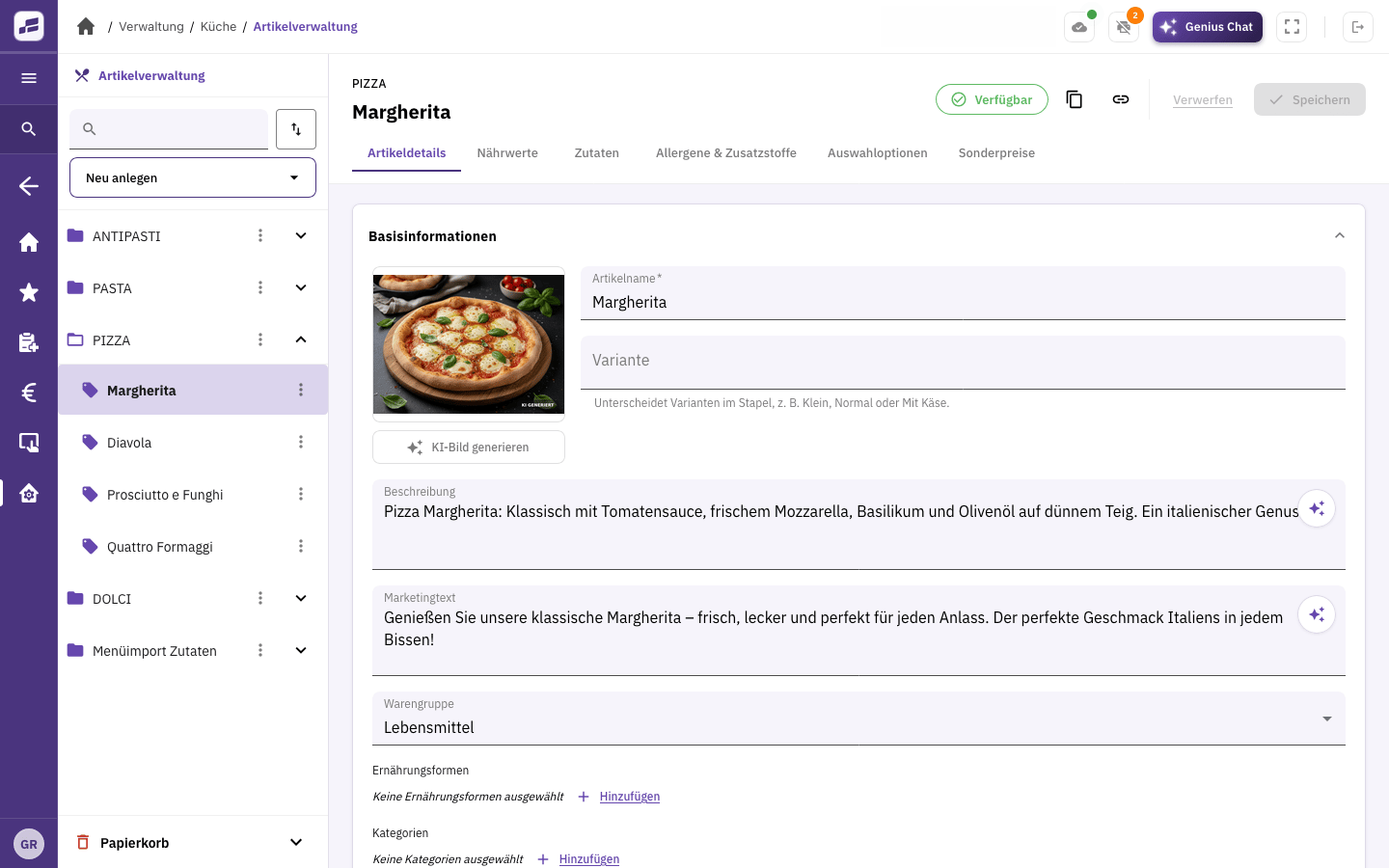
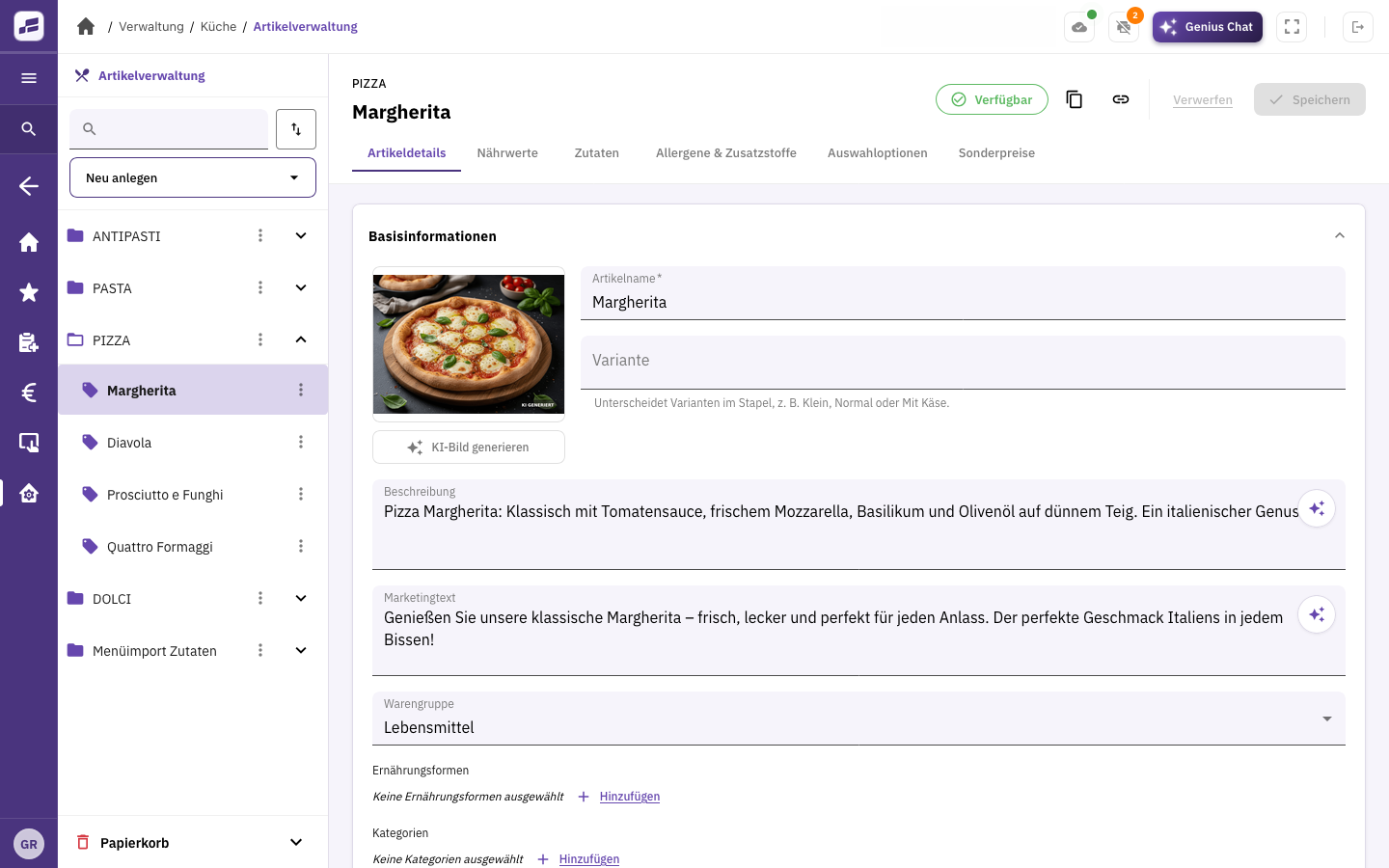
Manage dishes, drinks, images and descriptions in one place.
View full size
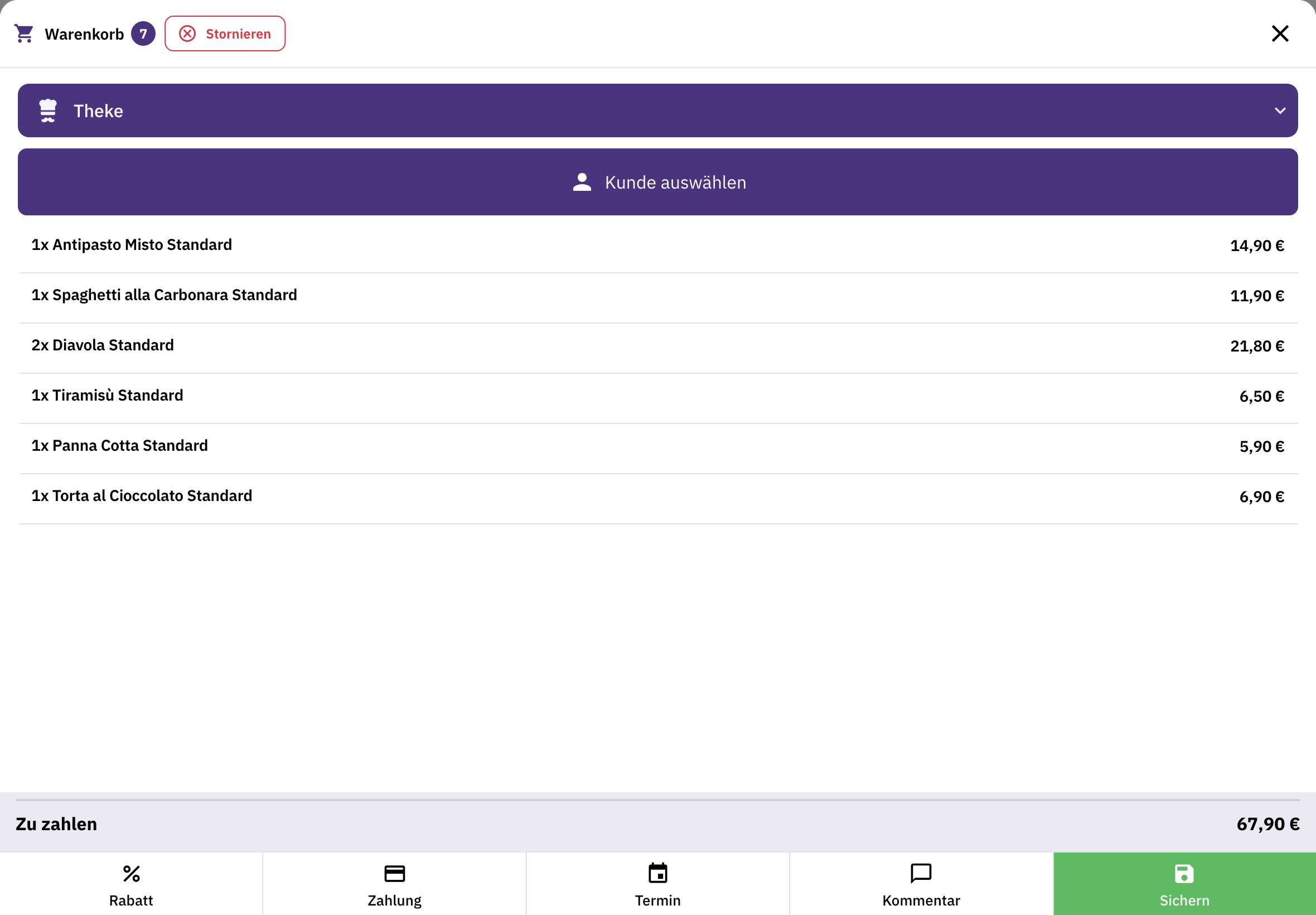
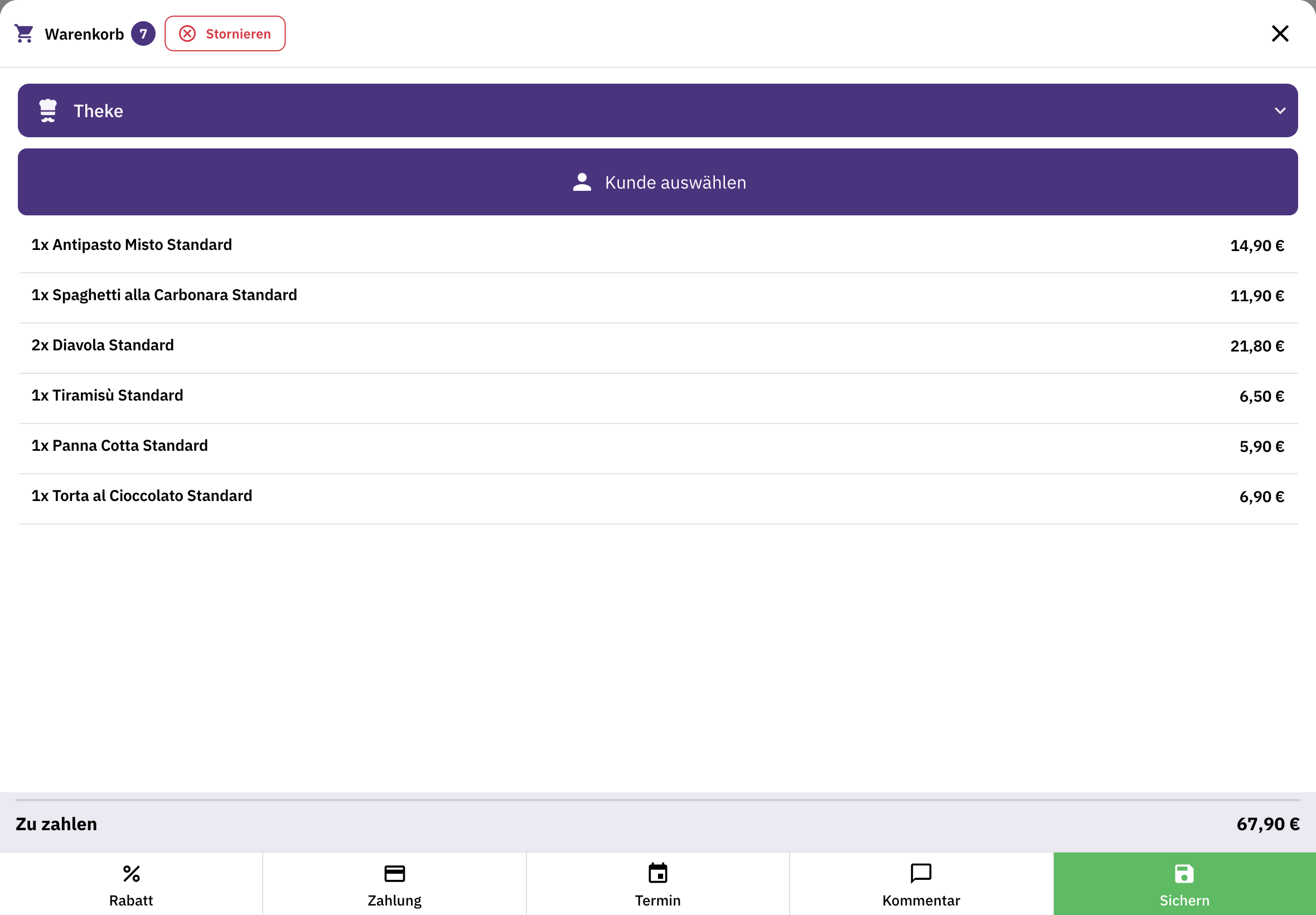
Select the items, check the quantities and total, then proceed to payment.
View full sizeManage items, orders and payments in one place. Plus a cash book, end-of-day closing and connections to your receipt printers.
If you serve guests at the table, organise tables and areas, take orders on a mobile device and accept payment right at the table.
Your guests order directly from you for pickup or delivery. Organise your own drivers with delivery management.
Upload your menu. The AI reads it and creates items, recipes and product images. You check the suggestions and fill in anything that’s missing.
Set up your team with roles and permissions. Your staff record their working hours directly in FoodGenius.
FoodGenius records the readings from your thermometers automatically and documents them in line with HACCP principles.
Hardware and support
A tablet at the counter, a smartphone for table service or a printer in the kitchen: we help you choose the right equipment for your business.
You can keep using smartphones, tablets, POS devices and printers you already own once their connection has been checked. For card payments, you use Adyen card terminals. You buy new devices separately. Our support team helps you connect them.
Before you open
Yes. All you need to get started is your email address; you don’t even need to have chosen a name for your restaurant yet. Then create your menu in FoodGenius, with help from AI if needed. You check the suggestions and fill in anything that’s missing.
No. Get to know all available features during the 30-day trial. Choose your plan afterwards, directly in FoodGenius.
Choose a time when you can try out devices and workflows with your team. If your opening is still some way off, we’ll agree on the right start date together. Your 30 days only begin with your first login to FoodGenius.
No. Your plan covers the software. Buy devices separately or use suitable devices you already own. For card payments, you use Adyen card terminals. You can use unlimited POS stations and printers with every plan.
Our team helps you import your data and connect your devices. Support is available around the clock during your 30-day trial. After that, the support you receive depends on your plan. Pro includes 60 minutes of personal onboarding.
You choose your plan: Starter or Pro. If you book a plan during the trial, you keep all 30 trial days and billing only starts afterwards. Without a plan, your features will be locked, and nothing is booked automatically. With a plan, you keep working without interruption. So you can already use the trial in your day-to-day business.
Try FoodGenius for 30 days with your own menu. All you need to get started is your email address.