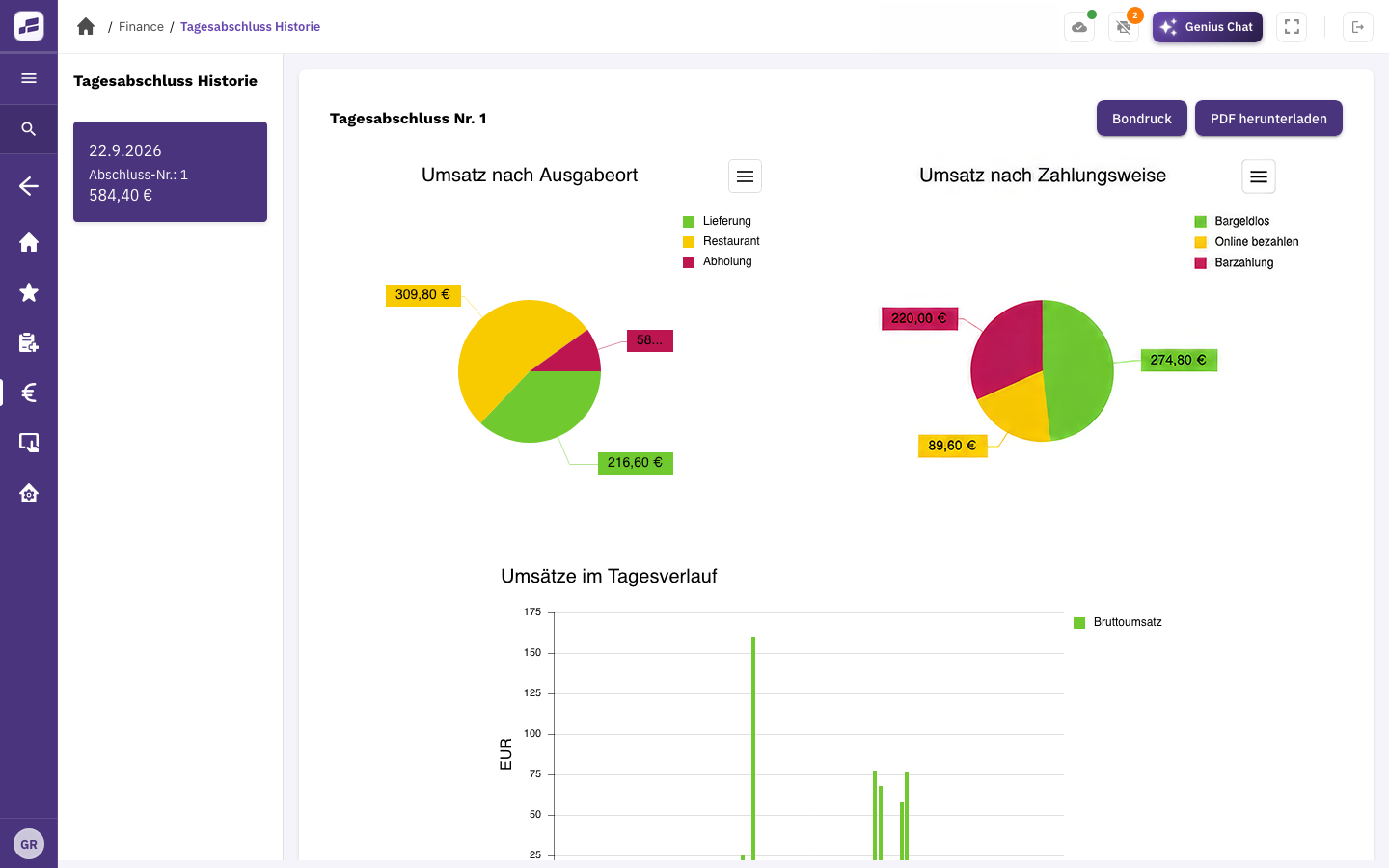
Choose a time period.
Choose a period to view your sales. You can also revisit previous end-of-day reports and their details.
FoodGenius · Everyday restaurant life
With FoodGenius, you can analyse your sales by period and order channel at any time. See when and through which channels your business generates sales, and look back at previous end-of-day reports.
Choose a period to view your sales. You can also revisit previous end-of-day reports and their details.
View your sales by order channel, payment method, service area and time of day.
See which orders were cancelled or discounted, along with the reason and amount for each.
Your end-of-day report shows how your sales are split between the restaurant, pickup and delivery. It also shows payment methods and how sales vary throughout the day.
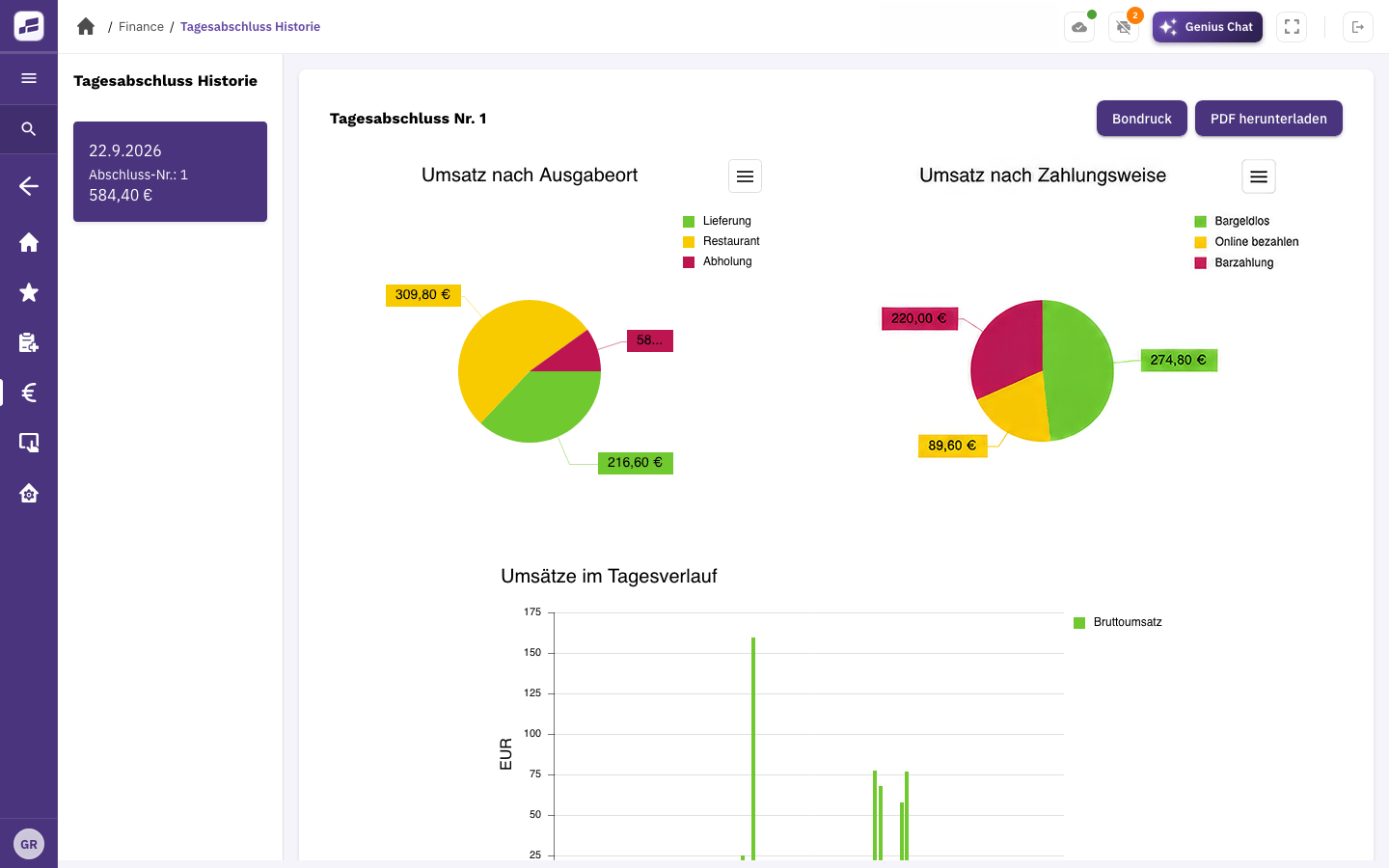
Orders and payments from your business provide the data for your reports.
View sales, previous end-of-day reports, cancellations and discounts. This module adds these features to your paid POS subscription at no additional module base fee.
These views show your sales, orders and end-of-day reports. To work out your profit, you also need to account for the cost of goods, staff and other operating expenses.
Yes. In Genius Chat, you can ask about order and sales figures and have reports created for you. This feature is included in your POS.
Custom dashboards and overviews that update in real time are planned but aren’t available yet. For now, use the existing reports and filters.
Try FoodGenius for 30 days to analyse your sales and review previous end-of-day reports. All you need to get started is your email address.