Review open orders.
Check which orders are still open and deal with them before closing.
FoodGenius · Everyday restaurant life
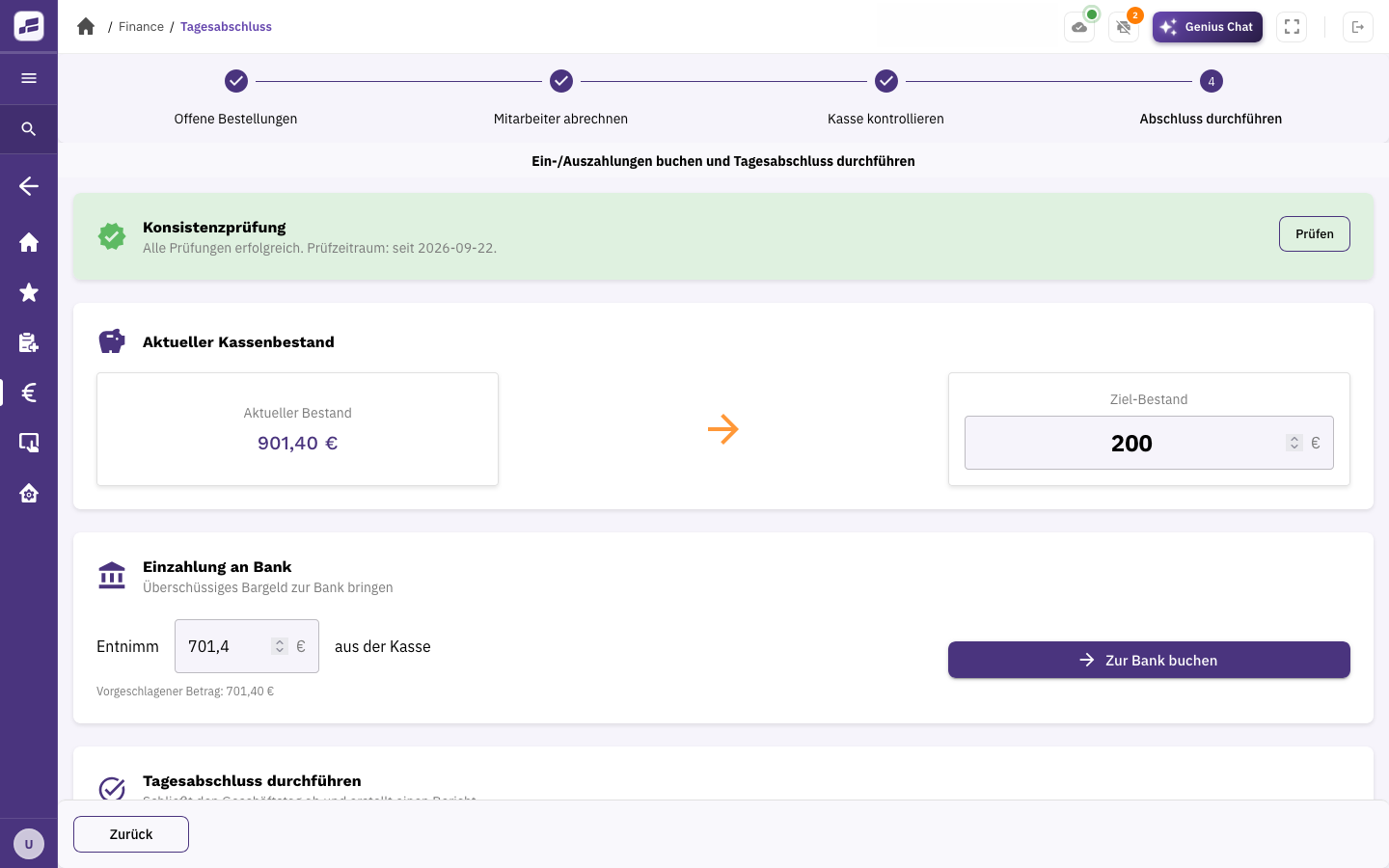
FoodGenius guides you through end-of-day closing step by step, from open orders and staff cash-ups to checking the till balance. You can save the completed report as a PDF or have it sent automatically by email.

Check which orders are still open and deal with them before closing.
Staff cash-ups are part of the guided process. You can also account for the tip pool.
Count the cash in your till and check the details for your end-of-day report.
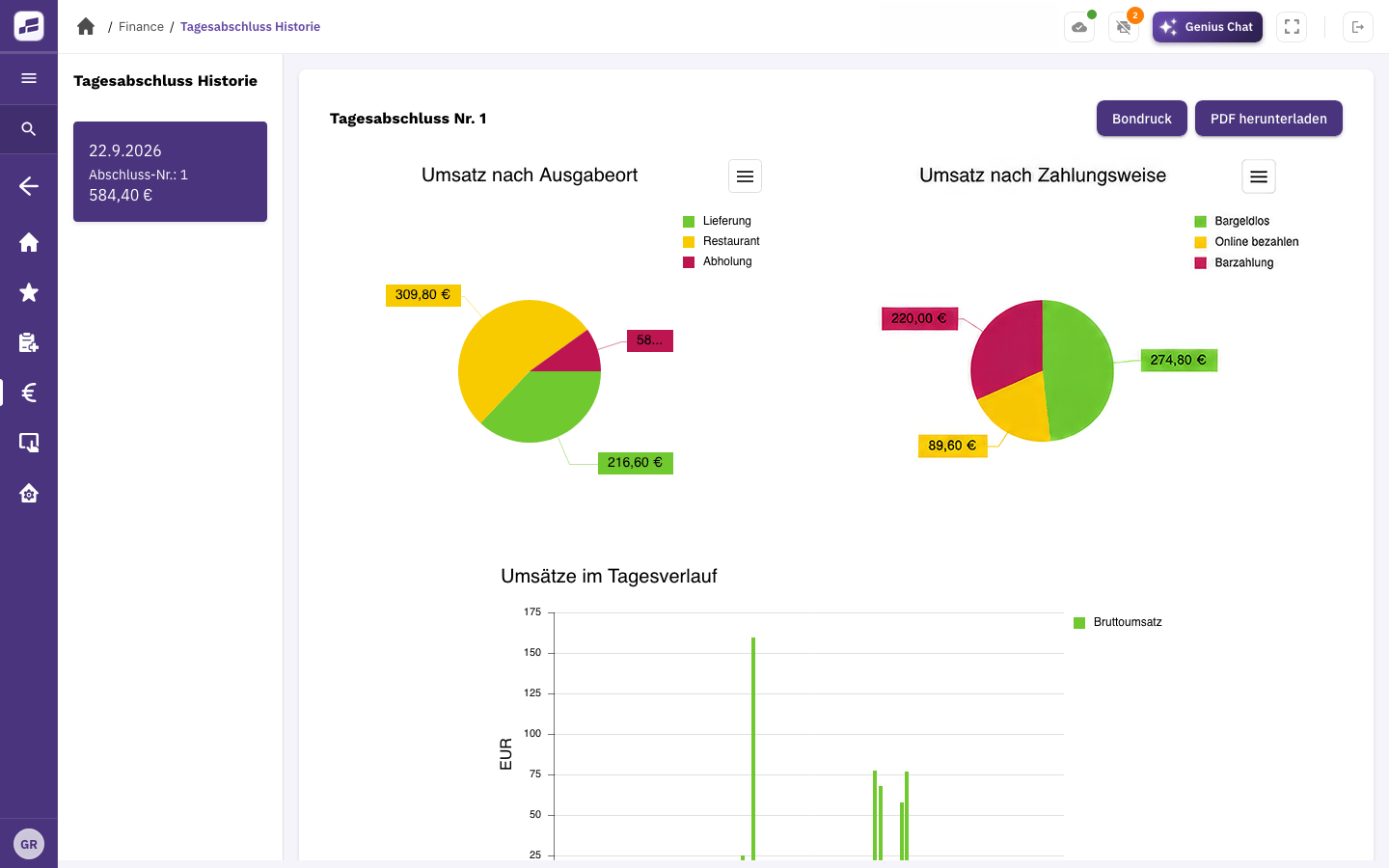
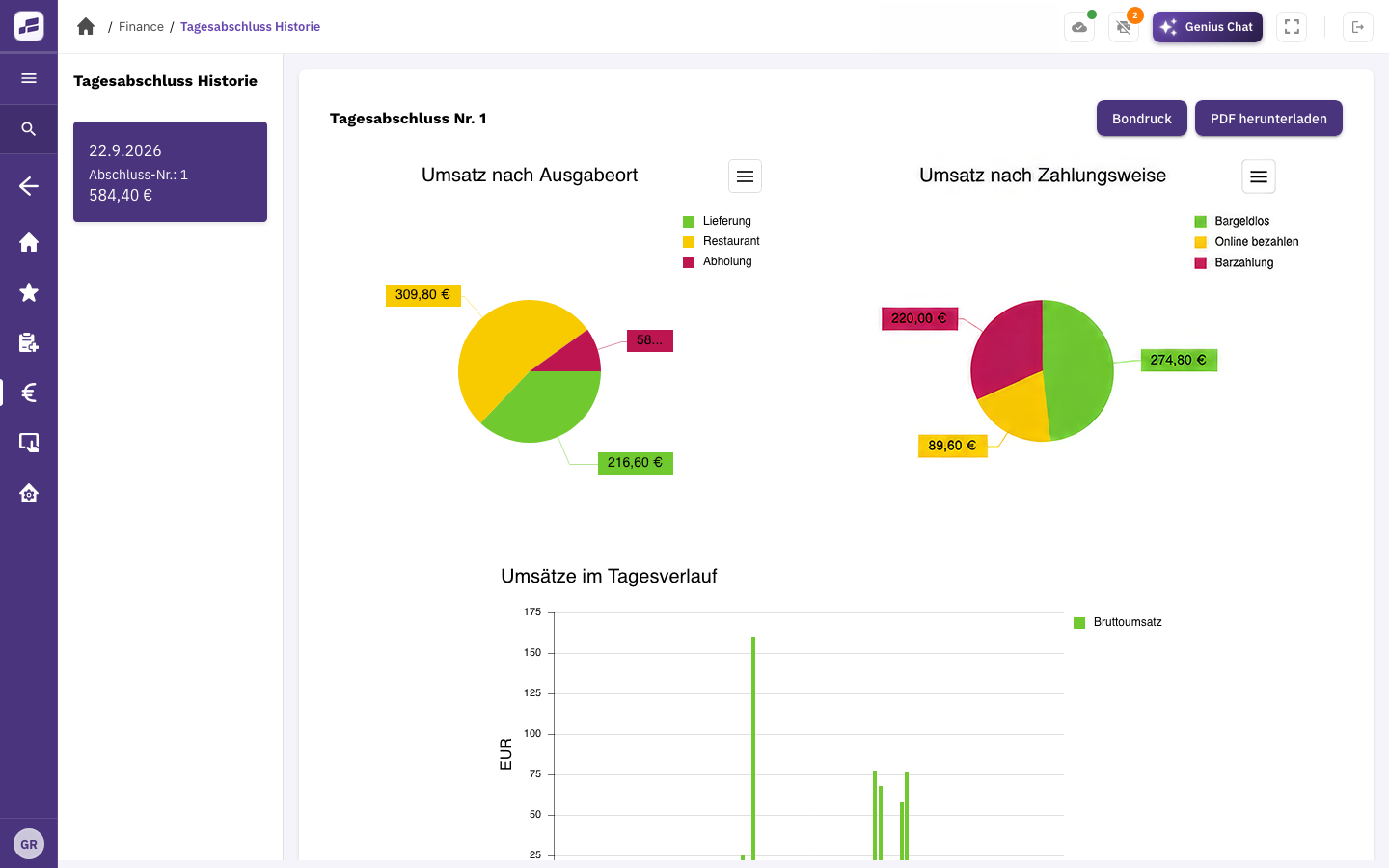
FoodGenius guides you through end-of-day closing. You can revisit previous end-of-day reports at any time, analyse them and download them as PDFs.
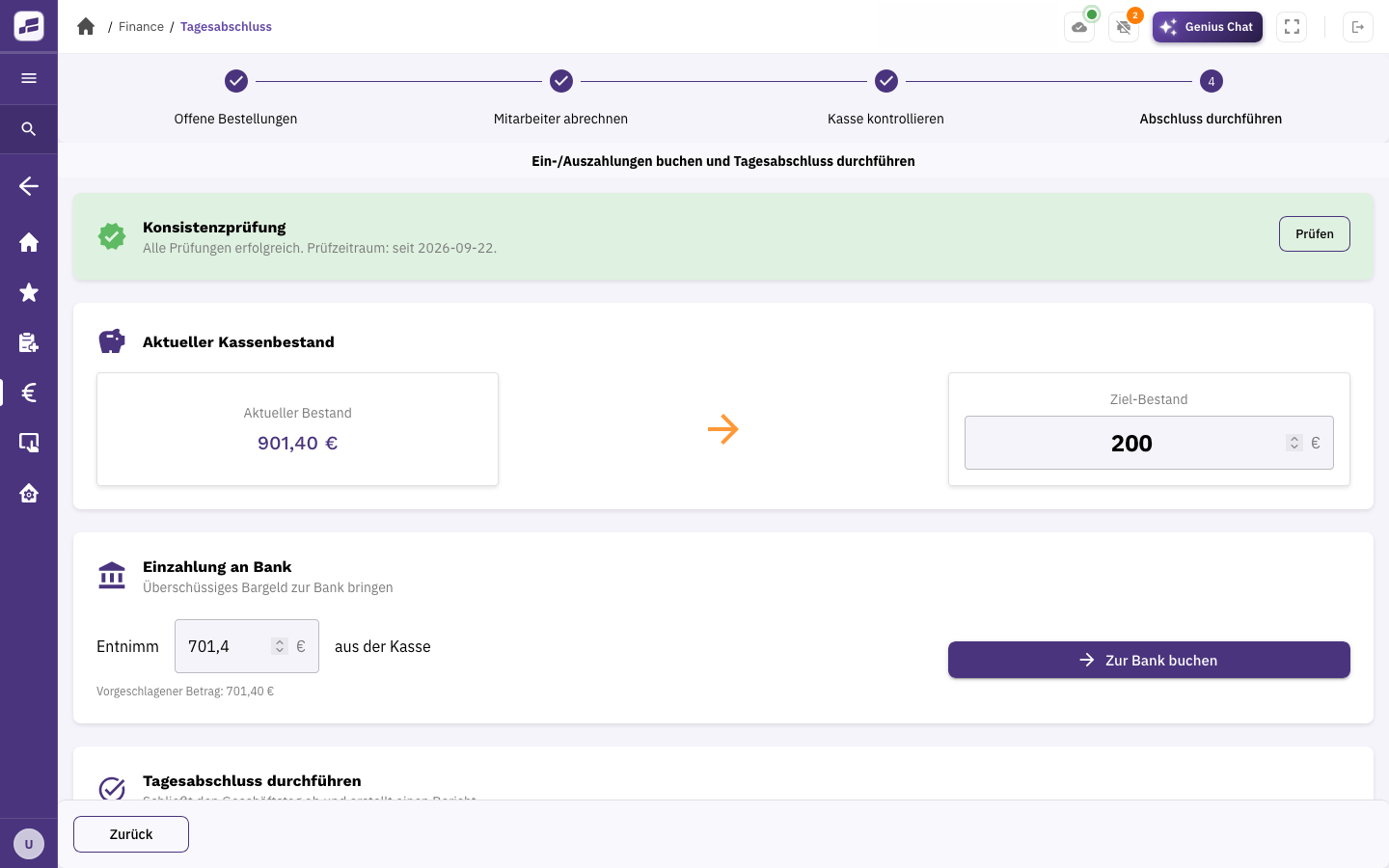
A cash book, guided end-of-day closing and DATEV export are already included. Record your cash transactions, close the day and pass your accounting data to your tax adviser.
Direct DATEV integration is also included. It lets you send your accounting data directly from FoodGenius.
Yes. Your end-of-day history contains previous reports, including summaries and analyses.
You can download the completed report as a PDF, print it or have it sent automatically by email.
FoodGenius records your POS data and prepares it for accounting. Pass it on using DATEV export or the direct DATEV integration. Your accounting team or tax adviser handles the next steps.
Try FoodGenius for 30 days and see how it guides you through end-of-day closing. All you need to get started is your email address.