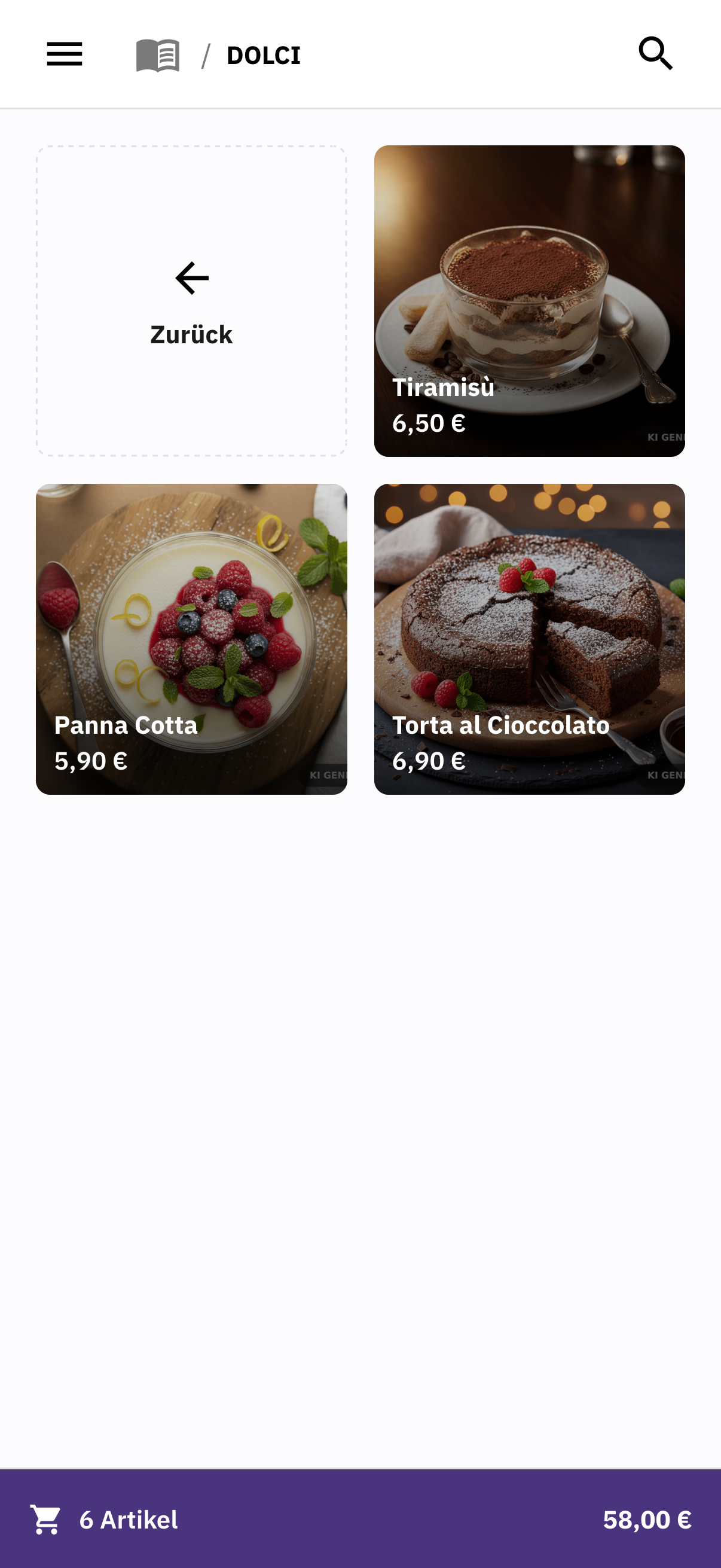
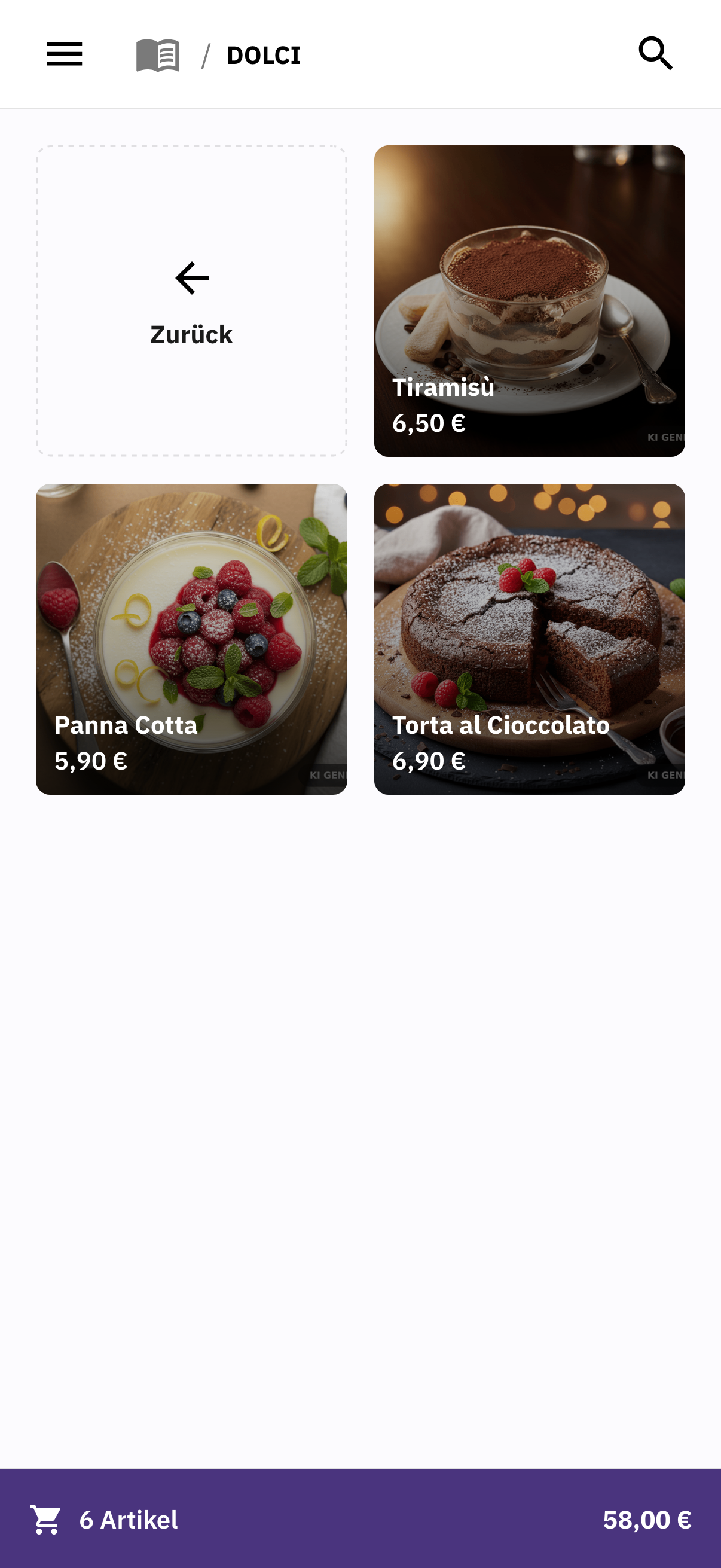
Take orders at the table.
Your team records dishes, drinks and special requests right where your guests are and assigns them to the correct table.
FoodGenius · Everyday restaurant life
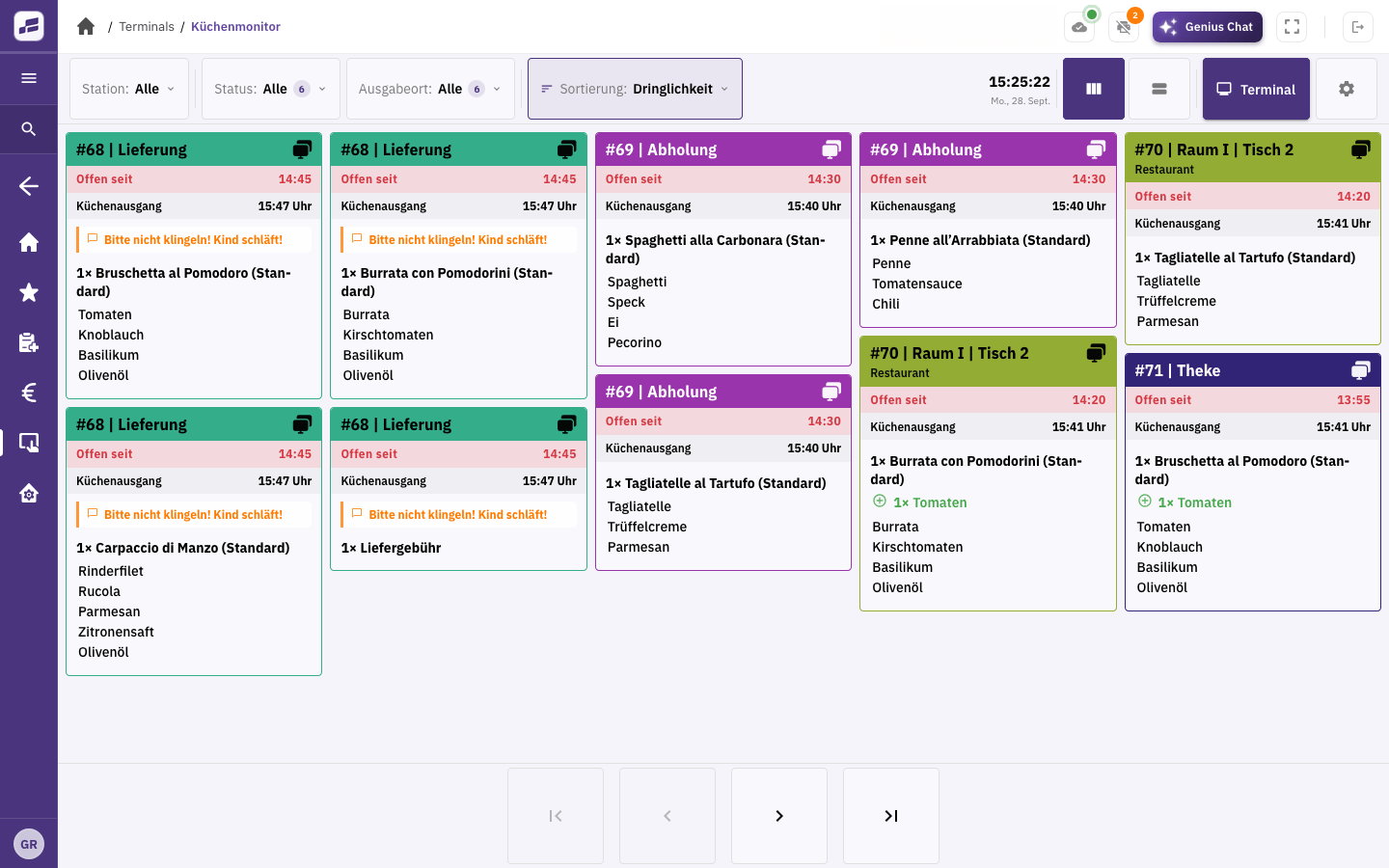
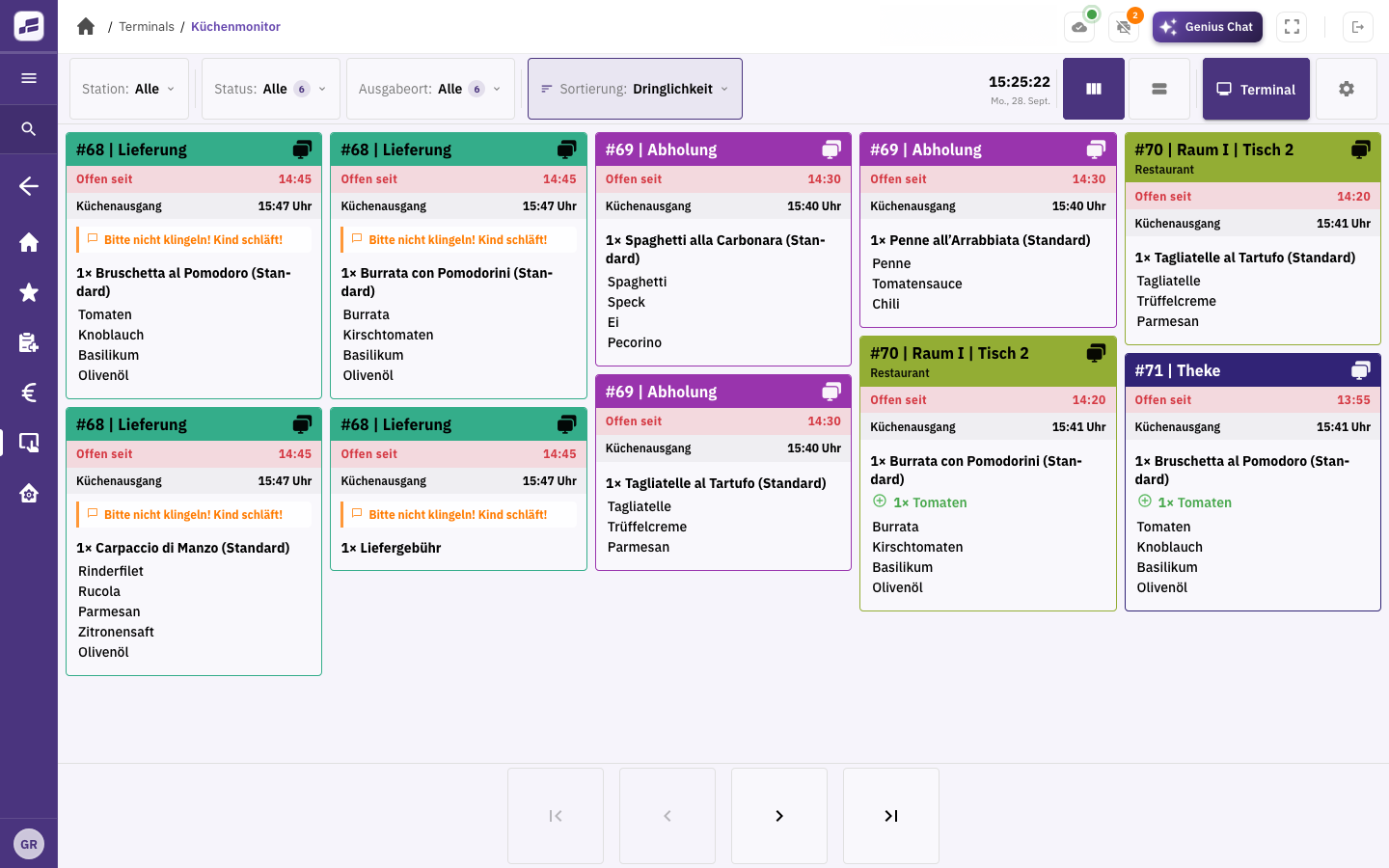
FoodGenius sends orders and special requests straight from your service team to the kitchen, either on the kitchen display or as a printed ticket. That means fewer shouted instructions and less retyping. Both teams can keep track, even when lots of orders come in at once.
Your team records dishes, drinks and special requests right where your guests are and assigns them to the correct table.
Add more dishes and drinks to the open order. The second round stays linked to the right table too.
The kitchen receives orders and special requests on the kitchen display or as printed tickets. For printed tickets, you choose which items go to which printer.
Your team takes the order right where your guests are. Your kitchen team keeps track of dishes, ingredients and special requests on the kitchen display.
Your FoodGenius POS brings together orders, payments and kitchen ticket printing.
Your team takes orders directly at the table and assigns them to the correct table and area. With Restaurant & Service Pro and above, you can create your own table plan.
Yes. You can manage rooms and areas with Restaurant & Service Starter. With Pro and above, you can also create your own table plan.
Check the print status in FoodGenius. If needed, you can print the ticket again or send it to another printer.
POS Starter supports up to two printers. POS Pro lets you use unlimited printers and print scenarios. You buy the devices separately.
Automatic course management is planned but isn’t available yet. You can already send orders and special requests to the kitchen display or as printed kitchen tickets.
Try it for 30 days: your team takes orders at the table, sends them to the kitchen and keeps track together. All you need to get started is your email address.