Assign deliveries.
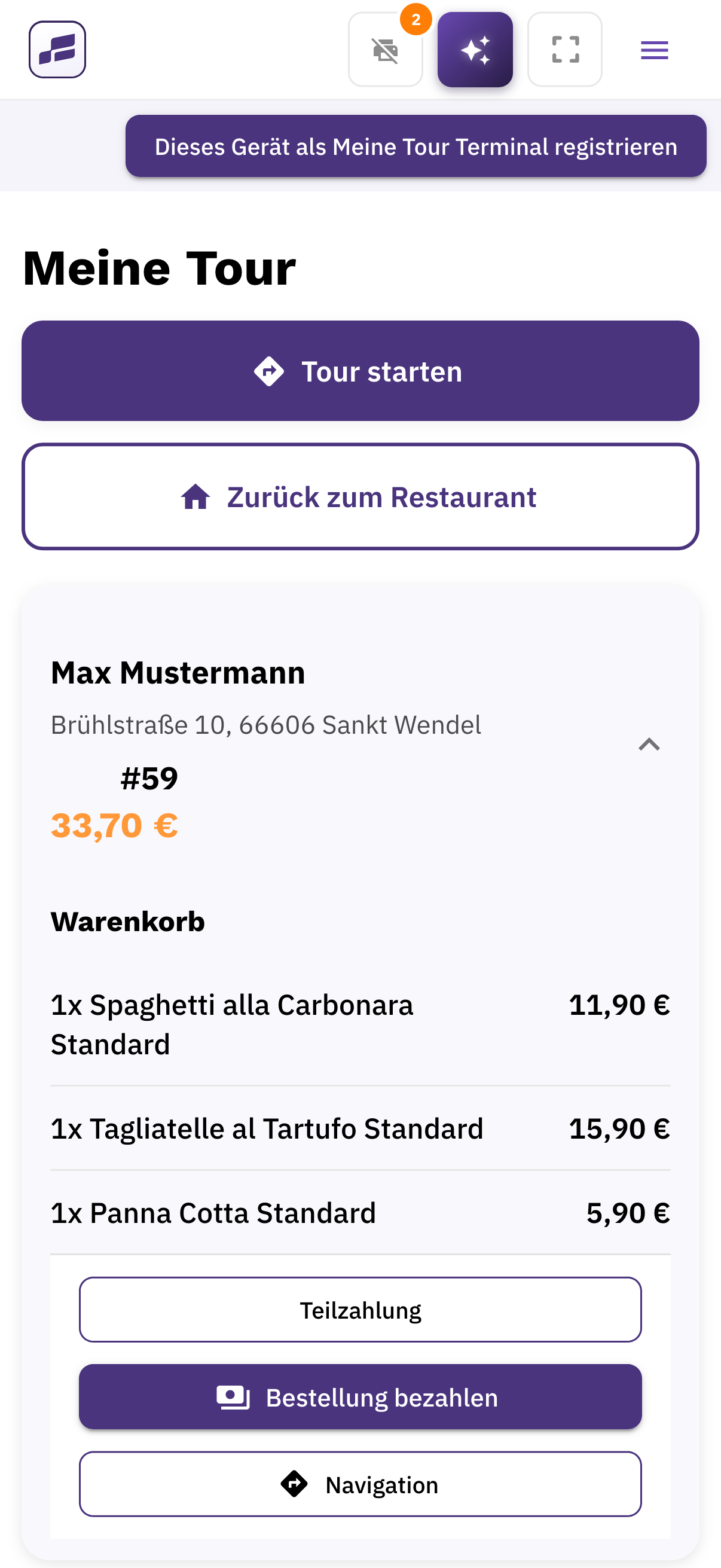
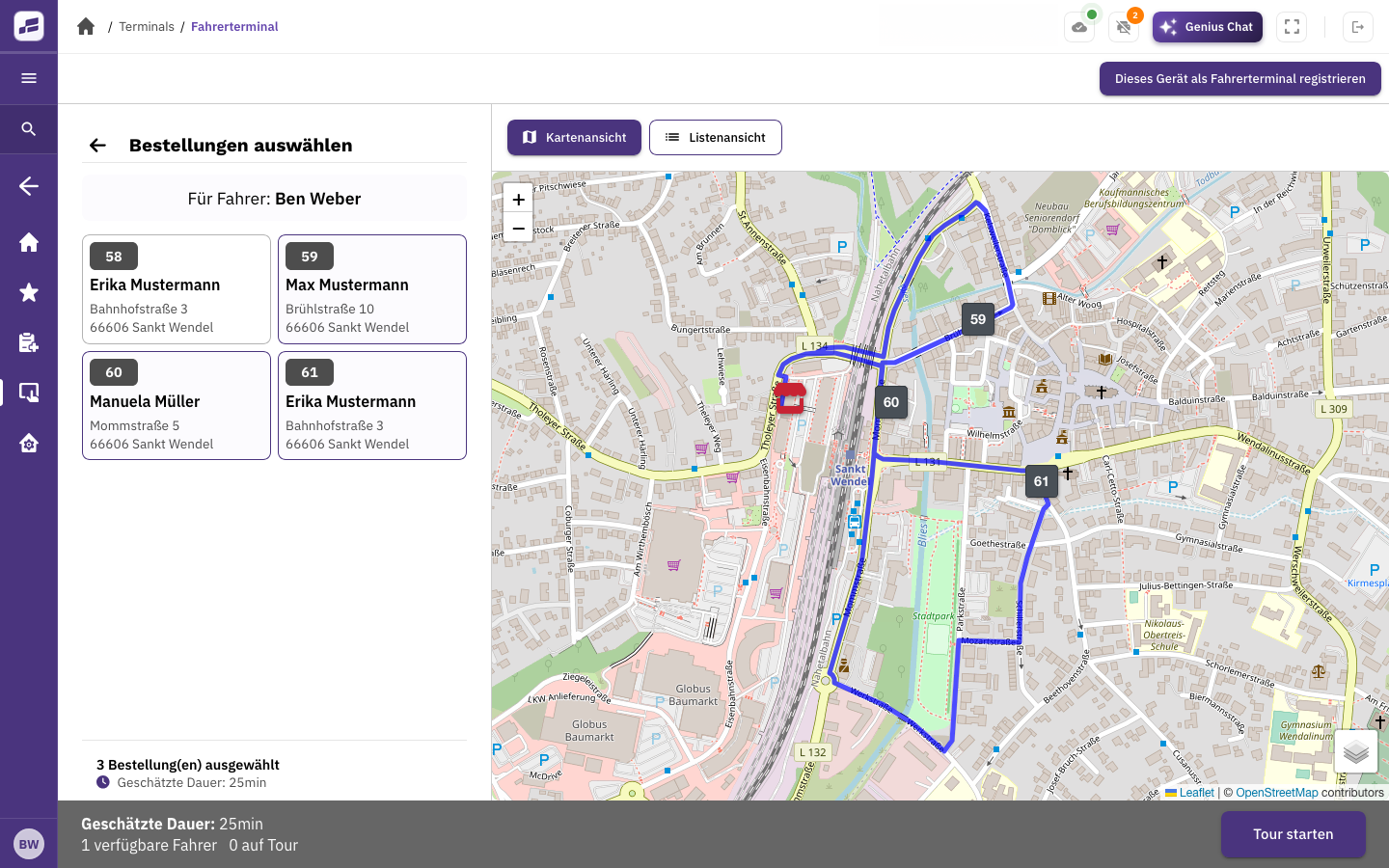
Group orders into delivery runs, assign them to your drivers and send out the next round of deliveries.
FoodGenius · Everyday restaurant life
With FoodGenius, you can keep track of orders, delivery runs and drivers. See who’s available and assign the next deliveries to help your kitchen and drivers work together.
With Delivery Pro, you can assign delivery runs, see all runs at a glance and check driver locations.
Group orders into delivery runs, assign them to your drivers and send out the next round of deliveries.
See who’s available or out on a delivery, and where your drivers are. This helps you assign the next deliveries.
In the driver app, your team can see the address, items and order total, open navigation in Google Maps and record payments.
Assign delivery runs with Delivery Pro.
Manage orders and payments in your FoodGenius POS.
With Delivery Starter, you can set delivery areas and fees. Your drivers receive their assignments in the driver app. With Pro, you can also assign delivery runs, view them at a glance and see driver locations.
Yes. FoodGenius helps you organise your own deliveries. It doesn’t connect you with an external delivery service.
Yes. Delivery Starter already lets you set delivery areas, minimum order values and delivery fees. You can also set the minimum order value for free delivery. FoodGenius checks whether the delivery address is within your delivery areas.
With Delivery Pro, you put together your delivery runs. Automatic route optimisation is planned for Genius and isn’t available yet.
Yes. Both are available directly in the driver app.
Try FoodGenius for 30 days with your delivery areas and your team. All you need to get started is your email address.